If your school, work, hotel or café network shows a block page when you open instagram.com, a web proxy can get the site’s pages to your browser. What it cannot change is Instagram’s own rule for visitors who are not signed in, and that rule decided our test results.
What we tested. On 15 October 2026 we opened Instagram through AnyProxy’s three free regions without signing in. We do not sign in with real accounts, so feed, Stories, DMs and uploads are untested.
Why managed networks block Instagram
Networks that someone else runs, such as an office, school or hotel, often filter social media under their acceptable-use policy, and some limit video-heavy sites to save bandwidth. The filter usually works in one of three ways:
- DNS block — the network’s resolver refuses to look up
instagram.com. - IP block — the firewall drops traffic to Instagram’s server addresses.
- Hostname (TLS SNI) filtering — the firewall reads the site name in the encrypted connection’s setup and blocks
instagram.com.
A web proxy gets around all three, because your browser talks to anyproxy.site, not Instagram. It does not hide that you used a proxy: the network can log the connection to anyproxy.site, and many filters block proxy sites as a category.
What happened through the proxy, 15 October 2026
| Task (not signed in) | Region | Result |
|---|---|---|
| Open instagram.com | Singapore | Login page loaded fully |
| Open a public profile (instagram.com/nasa) | Singapore, Virginia | Redirected to the login page |
| Open the same profile | Frankfurt | Login page, with Instagram’s EU cookie dialog on top |
| Open instagram.com/reels/ | Virginia | Header and Log In button only; no video |
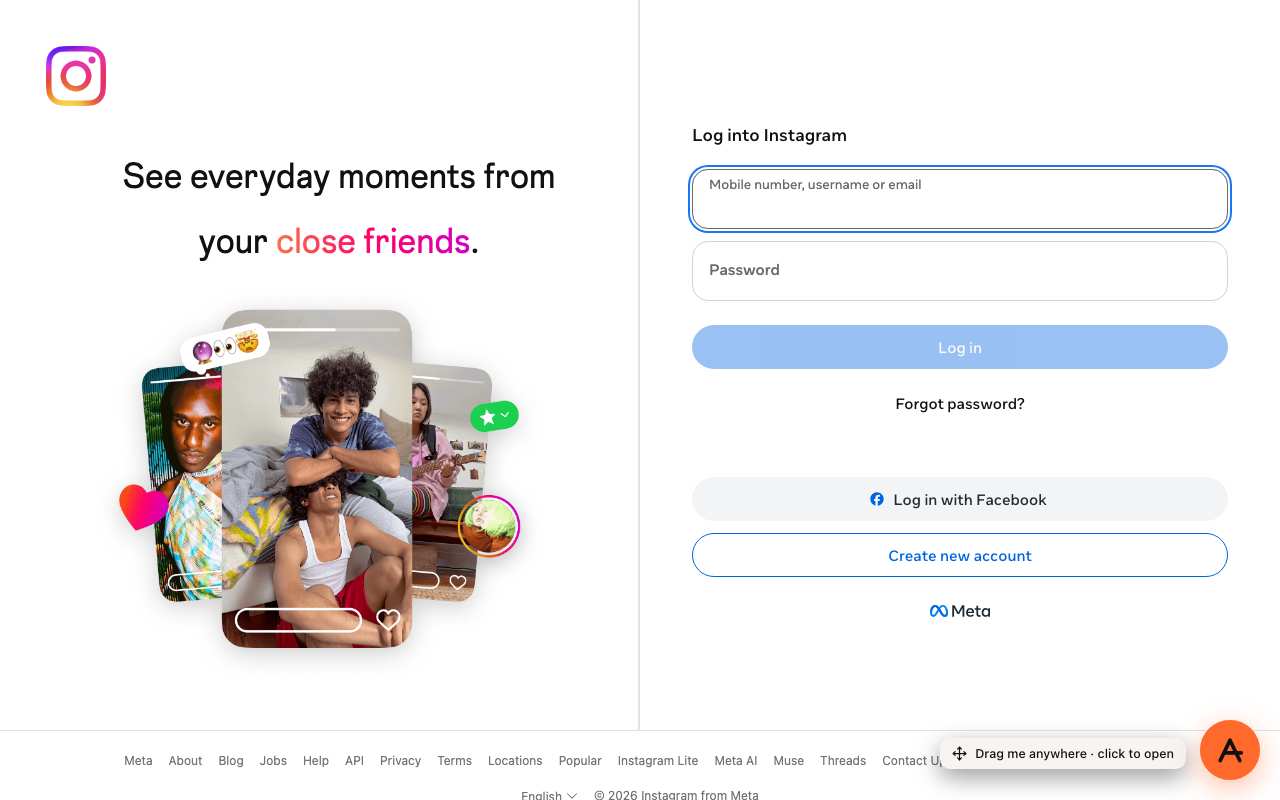
Asking for instagram.com/nasa through AnyProxy Singapore, 15 October 2026: Instagram showed its login page instead.
As a check, we opened the same profile directly, without the proxy, and it showed without a login. So the login wall is Instagram reacting to the proxy’s data-centre address, not a problem with the page. Every web proxy runs from data-centre addresses, so switching proxy is unlikely to change this.
How to open it
- Open anyproxy.site in the browser on your device.
- Type
instagram.com. A pasted link to a profile or post opens Instagram’s home page instead. - Pick a region and press Open. Instagram’s login page loads in the same tab.
From there, the only way further is to sign in.
Before you sign in
We have not tested signing in. If you decide to:
- The proxy handles your password. HTTPS protects each leg of the connection, but the proxy operator handles the decrypted page in between. AnyProxy is not a no-logs service; see the privacy page.
- The address bar shows AnyProxy’s address, not instagram.com. Only open Instagram by typing its address on anyproxy.site yourself, never through a link someone sends you. AnyProxy never asks for your Instagram password itself.
- Instagram will see a login from the proxy’s country. Expect a security email or a verification step. Recover your account directly, not through the proxy, if Instagram locks it.
- Turn on two-factor authentication beforehand, and sign out when you finish.
Full guidance: how to log in through a proxy.
What does not work
- The Instagram app. A web proxy only covers pages in a browser.
- Browsing logged out. Profiles and Reels did not open in any region we tried.
- Anything after sign-in is untested by us, including feed, Stories, DMs and uploads.
When the proxy itself is blocked
If anyproxy.site does not load either, the network blocks proxy sites. On a work, school or hotel network that is the operator’s decision; ask them rather than looking for a way around it. A VPN app would need install permission, which managed devices usually do not give.
Also blocked on your network?
The same steps work for TikTok, X, Facebook, Snapchat and Discord, each with its own dated test results. Reddit refused all three AnyProxy regions on 15 October 2026; see Reddit.
Acceptable-use note
AnyProxy is a general-audience web service, not intended for children under 13. On a workplace, school, campus, hostel or hotel network, that network’s acceptable-use policy applies to you whatever the proxy can technically do. Check it before use.