
Unblock Instagram.
From anywhere.
Free Instagram proxy. No install. Works on a Chromebook, a phone, and any managed browser.
Verified · 2026-10-15
Instagram was blocked in Iran during the September 2022 Mahsa Amini protests when about 630,000 Iranian vendors were selling on it. Russia (since March 2022) and China (since 2014) also block Meta's photo-and-reels platform nationally, and Turkey blocked it for about nine days in August 2024.
Source: verification.
What we tested through AnyProxy
What works on Instagram, and what doesn't
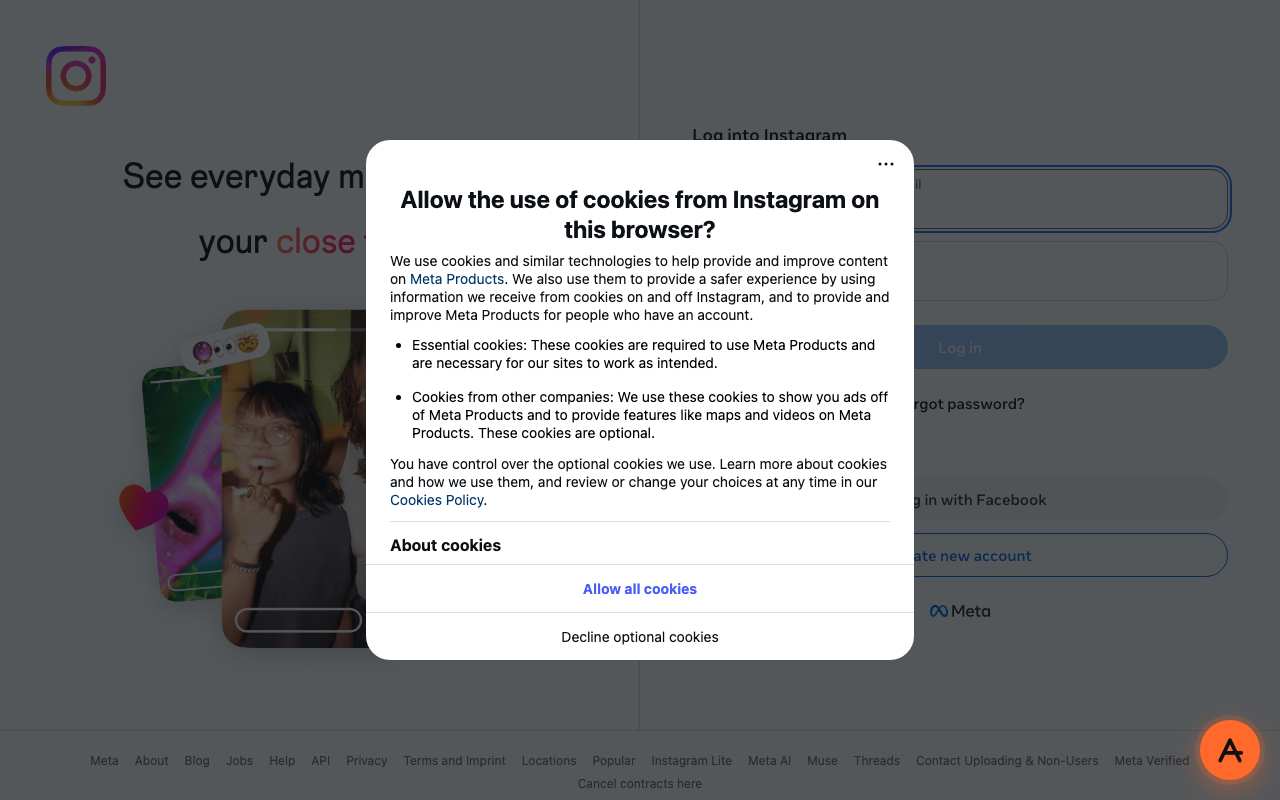
Tested from our proxy exits with a fresh browser, no account. Results can change when Instagram changes.
What is a Instagram proxy?
The short answer
A Instagram proxy is a server that fetches Instagram for you and returns the page through your browser. Instead of your device asking instagram.com directly, your browser asks anyproxy.site, and we ask Instagram on your behalf. The site sees our server, not you. Your network sees anyproxy.site, not Instagram.
That single hop is what lets a blocked Instagram page open. No app to install, no account to make. Six regions, sorted by real latency.
Instagram infrastructure, verified
Instagram itself is healthy
When Instagram will not load, Instagram's own servers are rarely the cause. Here is a dated snapshot of the real instagram.com infrastructure from DomainScan on 2026-10-05 — compare against your network's symptoms.
15 of 15 public DNS resolvers returned an address for instagram.com in this snapshot. A resolver with no answer is not proof of blocking anywhere. If your own network returns nothing or a different address, the problem is more likely on your network than at Instagram.
Where Instagram is blocked
Instagram block map, with mechanism
The countries that actively block Instagram, how they do it, and when. Rows link to their source where we have one; rows without a link are not independently verified.
From your country
Where Instagram is restricted
How to unblock Instagram
Three steps, no account
Type instagram.com
It is already in the box above. AnyProxy opens the site's home page; go deeper from there.
Pick your region
We start you on the nearest server. A closer region means smoother loading.
Browse
Instagram opens in this tab. The tests on this page show which features worked for us.
Instagram — the timeline
Dated events in Instagram's censorship history
- Oct 2010Instagram launched by Kevin Systrom and Mike Krieger.
- Apr 2012Facebook acquires Instagram for $1 billion.
- 2014China blocks Instagram during Hong Kong Umbrella Movement protests. Block held continuously since. source
- Mar 2022Russia blocks Instagram after Meta temporarily allowed posts opposing the Russia-Ukraine invasion. Russian court labels Meta an "extremist organization". source
- Sep 2022Iran blocks Instagram and WhatsApp during the Mahsa Amini protests. About 630,000 Iranian vendors were selling on Instagram; by December only about 220,000 remained. source
- Aug 2024Turkey blocks Instagram for about nine days citing "failure to comply with laws and rules"; access returns on 10 Aug 2024. source
- Dec 2024Iran's Supreme Council of Cyberspace unblocks WhatsApp and Google Play but leaves Instagram blocked. source
- Sep 2025Nepal blocks Instagram and 25 other platforms on 4 Sep and lifts the ban on 9 Sep after deadly protests. source
- Jan 2026Iran's blackout passes 16 days; officials say international access will not return until at least late March and describe a whitelist-based 'Barracks Internet'. source
- May 2026Iran partly restores international access, but Instagram stays closed off and 'not under consideration for reinstatement'. source
What the proxy cannot do for Instagram
Honest caveats
- Instagram's mobile app does NOT route through a browser proxy. On a phone, open instagram.com in Chrome or Safari, not the Instagram app. Reels and profiles need an Instagram login through the proxy (tested 15 Oct 2026): logged out, even public profiles redirected to the login page in all three regions.
- Through the Frankfurt region, Meta shows an EU cookie-consent dialog first.
- We have not tested Instagram Live or DMs; they need a login. Starting a Live broadcast and voice or video calls in DMs use WebRTC, which does not tunnel cleanly through a browser proxy.
- Signing in to Instagram from a region different to your usual IP occasionally triggers Meta security — a 2FA code or temporary challenge may appear. This is Meta-side behavior, not a proxy issue. Sign in from your local IP first, then switch to the proxy.
Need every app on your device covered, not just one browser tab? That is a VPN's job — see proxy vs VPN for when each is the right tool.
FAQ
Instagram, specifically
On managed networks
Open Instagram on managed devices
Managed networks — managed Wi-Fi, café PCs, hostel internet — often filter Instagram at the DNS or IP level. Content filters used by schools and companies sort sites into categories such as "social", and administrators choose which categories to block.
Because AnyProxy is a website — not an app or extension — a Chromebook or managed browser that restricts installs still opens it in Chrome. Type instagram.com and Instagram opens in the same tab, as far as the site allows it; see the tests above. Note: your organisation's acceptable-use policy still applies; check it before use.
Related
Unblock these too
By country
Country-specific evidence
Historical reports describe particular dates and networks. They are not live availability tests. Country context does not select an exit server.
IndiaOpen
Open nationally. Court-ordered takedowns on specific accounts; college and office network filters common.
IndonesiaOpen
Open per Kominfo PSE registration.
PakistanRestricted · occasional
PTA brief blocks during political events; college / exam-season network filters typically affect Instagram.
TurkeyHistorical · Aug 2024 (about 9 days)
BTK order over "failure to comply with laws and rules"; lifted 10 Aug 2024 after Meta engagement. Source
IranBlocked · Sept 2022
National-level DNS tampering + TLS SNI inspection; triggered during Mahsa Amini protests to cut protest coordination Source
Instagram survived every earlier wave of Iranian filtering — Facebook and Twitter in 2009, Telegram in 2018 — and by 2022 it was, with WhatsApp, one of the last major foreign platforms Iranians could still open directly. It had also become Iran's marketplace: shops, home businesses and services sold through Instagram pages, and the head of Iran's Computer Trade Association said the income of 11 million people was tied to it. On 21–22 September 2022, during the Mahsa Amini protests, access was cut. Around 400,000 Instagram businesses closed between September and December 2022, and filtering cost internet companies about 8 trillion tomans (roughly $190 million) in the first month. When the Supreme Council of Cyberspace reviewed the block list in December 2024, it lifted WhatsApp and Google Play but kept Instagram blocked.
Instagram is filtered with the same national stack OONI documents for other blocked platforms in Iran: ISP resolvers answer instagram.com with private addresses such as 10.10.34.35, and on networks like Irancell (AS44244) TLS connections are reset after the ClientHello names a blocked host. Instagram is harder to reach than a single domain because each page also pulls photos and video from Meta's CDN hosts (cdninstagram.com and fbcdn.net) on Meta's own network, AS32934 — unblocking instagram.com alone leaves a page with no images. A web proxy fetches the page and every CDN asset from outside Iran, so your browser only ever connects to anyproxy.site.
Networks
- MCI (Hamrah-e-Aval): AS197207. DNS tampering on instagram.com and the Meta CDN hosts. Frankfurt is the closest AnyProxy region, about 110 ms away.
- Irancell: AS44244. OONI measurements on this network show TLS resets after the ClientHello for blocked hostnames.
- Shatel: AS31549. Fixed broadband with the same DNS tampering and SNI filtering.
- RighTel: AS57218. Smaller mobile network; same national block list.
What works
Open anyproxy.site in Chrome or Safari, type instagram.com and keep Frankfurt. Feed, Reels, Stories, profiles and DMs load in the tab, with images and video pulled through the proxy from Meta's CDN. Sign in only on the real instagram.com page once it has loaded — never on anyproxy.site — and expect Instagram to ask you to confirm a login from Germany.
- During a national shutdown, such as the January 2026 "Barracks Internet" blackout, no proxy or VPN works because international connectivity is cut at the backbone.
- Turn on two-factor authentication (an authenticator app rather than SMS) before signing in through a proxy, so a security check does not lock you out.
- Instagram Live viewing works; going live yourself, and calls in DMs, use WebRTC, which does not route cleanly through a browser proxy.
- The Instagram mobile app is not proxied — use instagram.com in the browser.
- Users are responsible for complying with Iranian law. This page describes how the technology works.
Timeline
- 2009Facebook and Twitter blocked after the disputed election; Instagram (launched 2010) stays open. Source
- 2018Telegram blocked; Instagram and WhatsApp become the main foreign platforms left. Source
- 21–22 Sep 2022Instagram and WhatsApp restricted during the Mahsa Amini protests. Source
- Sep–Dec 2022About 400,000 Instagram businesses close; roughly 220,000 of ~630,000 vendors remain. Source
- Dec 2024Supreme Council of Cyberspace lifts WhatsApp and Google Play, keeps Instagram blocked. Source
- Jan 2026"Barracks Internet" shutdown cuts global access for 16+ days. Source
When was Instagram blocked in Iran?
On 21–22 September 2022, during the Mahsa Amini protests, together with WhatsApp. WhatsApp was unblocked in December 2024 (and closed off again in 2026); Instagram never was.
How did the Instagram block affect Iranian businesses?
Figures collected by Filterwatch put about 630,000 Iranian vendors on Instagram before the block and about 220,000 still trading by December 2022 — roughly 400,000 closures in three months. Internet companies lost about 8 trillion tomans (~$190 million) in the first month of filtering.
Why does Instagram load without pictures on some workarounds?
Instagram pages pull every photo and video from Meta's CDN hosts (cdninstagram.com and fbcdn.net). If only instagram.com gets through, the page loads empty. A web proxy fetches the CDN files as well.
Will Instagram lock my account if I log in through a proxy?
Usually it asks you to confirm the new location by email or code. Set up two-factor authentication first, then confirm the login when Instagram asks.
Research updated . Availability may have changed.
ChinaBlocked · 2014
Great Firewall: DNS poisoning + IP blocks on Meta edge ranges + DPI on *.instagram.com SNI. Blocked after Hong Kong Umbrella Movement. Source
RussiaBlocked · Mar 2022
Roskomnadzor block citing "calls for violence"; Russian court subsequently labeled Meta an "extremist organization" Source
BrazilOpen
Open nationally; corporate network filtering common.
Saudi ArabiaOpen
Open per CITC; specific content categorically filtered.
U.A.E.Open
Open per TRA.
Jul 2025: The UAE Media Council launches an 'Advertiser Permit' for people who promote products or services on social media. 1 Feb 2026: The Advertiser Permit becomes mandatory for paid and unpaid promotion on social media from within the UAE; posting without one risks fines of up to AED 10,000. Apr 2026: Instagram rolls out stricter Teen Account settings with a 13+ content rating across MENA, including the UAE. Jul–Oct 2026: OONI: 2,561 of 2,616 tests of www.instagram.com from the UAE load normally; 0 confirmed blocks.
Instagram is not blocked nationally (OONI). UAE content rules apply to posts and posters: TDRA's Internet Access Management policy lists prohibited categories (e.g. insult/defamation, offences against the UAE, invasion of privacy) that etisalat and du block at TDRA's request, and the Media Council licenses advertising by individuals. Separately, Instagram itself now forces logged-out web visitors to its login page, which is what we hit through the proxy.
Networks
- etisalat by e& (Emirates Telecommunications Group): AS5384. 1,431 OONI tests, 1,409 ok, 19 anomalies, 0 confirmed
- du (Emirates Integrated Telecommunications): AS15802. 661 tests, 652 ok, 8 anomalies
- ITGLOBAL.COM DMCC: AS44578. 225 tests, 203 ok, 18 anomalies (8%), 0 confirmed
- Earthlink Telecommunications DMCC: AS199739. 196 tests, 194 ok, 0 anomalies
- Etisalat (second ASN): AS8966. 6 tests, all ok
What works
In our tests through AnyProxy on 15 October 2026, these did not work: Open a public profile (@natgeo); Open a public profile (@natgeo); Open a public profile in a regular (headed) Chrome window. Details and screenshots are below.
- Instagram sends logged-out visitors to its login page even for big public profiles; through AnyProxy you will see the login form, not the profile.
- Through Frankfurt an EU cookie dialog appears first.
- Signing in from a new country's IP can trigger Instagram security checks.
- Promotional posting from inside the UAE requires a Media Council Advertiser Permit since 1 February 2026, whatever network you post from.
- TDRA's IAM categories include 'bypassing blocked content', so proxy sites can be filtered on UAE networks.
Timeline
- Jul 2025The UAE Media Council launches an 'Advertiser Permit' for people who promote products or services on social media. Source
- 1 Feb 2026The Advertiser Permit becomes mandatory for paid and unpaid promotion on social media from within the UAE; posting without one risks fines of up to AED 10,000. Source
- Apr 2026Instagram rolls out stricter Teen Account settings with a 13+ content rating across MENA, including the UAE. Source
- Jul–Oct 2026OONI: 2,561 of 2,616 tests of www.instagram.com from the UAE load normally; 0 confirmed blocks. Source
Is Instagram banned in the UAE?
No. Nearly 98% of OONI tests from UAE networks loaded instagram.com normally between July and October 2026, with no confirmed blocks.
Can I view Instagram profiles without logging in through AnyProxy?
Not in our 15 October 2026 tests. Instagram redirected a public profile to its login page through Frankfurt, Singapore and Virginia.
Do I need a permit to post on Instagram in the UAE?
Only for advertising. Since 1 February 2026 anyone promoting products or services on social media from within the UAE needs a Media Council Advertiser Permit; promoting your own business on your own account is exempt.
Research updated . Availability may have changed.