Unblock Discord.
From anywhere.
Free Discord proxy. No install. Works on a Chromebook, a phone, and any managed browser.
Verified · 2026-10-15
On 15 Oct 2026 discord.com's home page and its login page (including a working login QR code) loaded through AnyProxy's Singapore server. Two public pages without a login did not load: the server discovery page showed Discord's own 'Catching our breath' error, and a public invite page stayed blank. Reading or joining servers needs a Discord account. Discord is blocked in Russia (since 8 Oct 2024) and Turkey (since 9 Oct 2024).
What we tested through AnyProxy
What works on Discord, and what doesn't
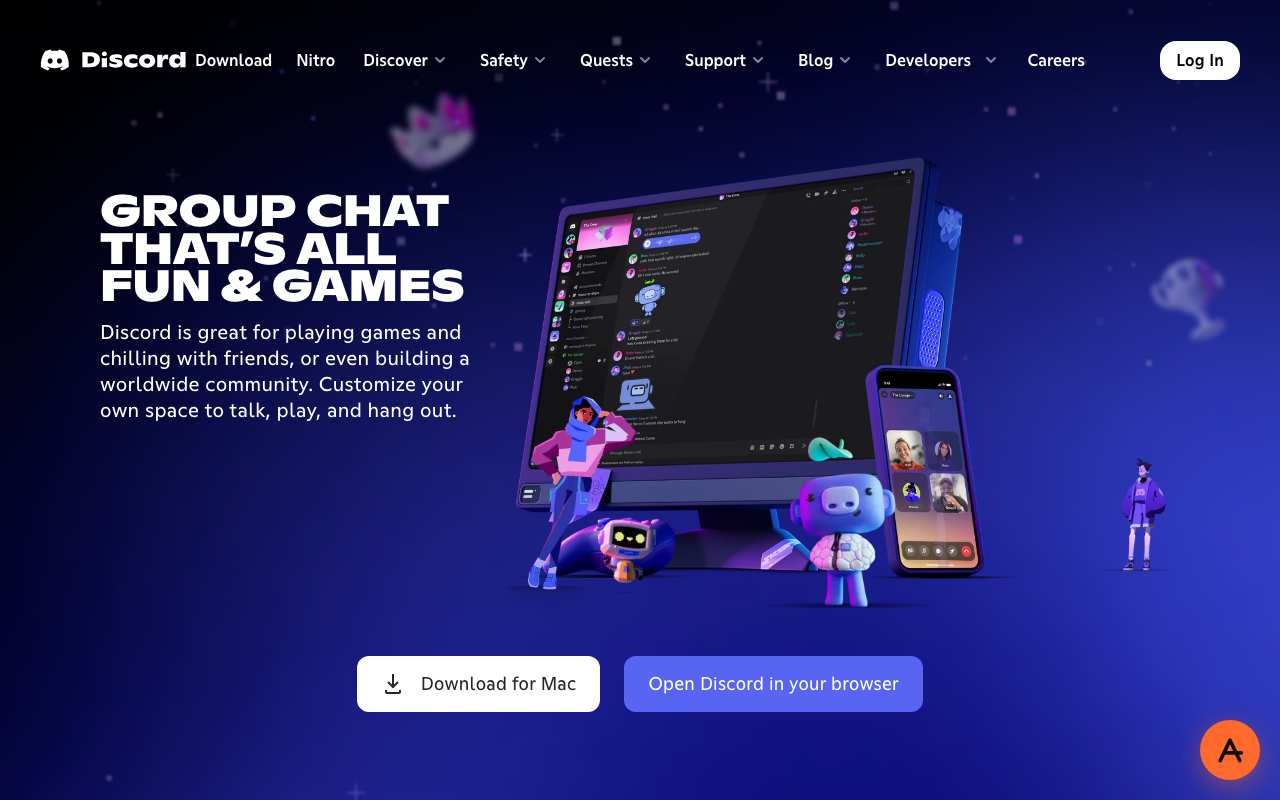
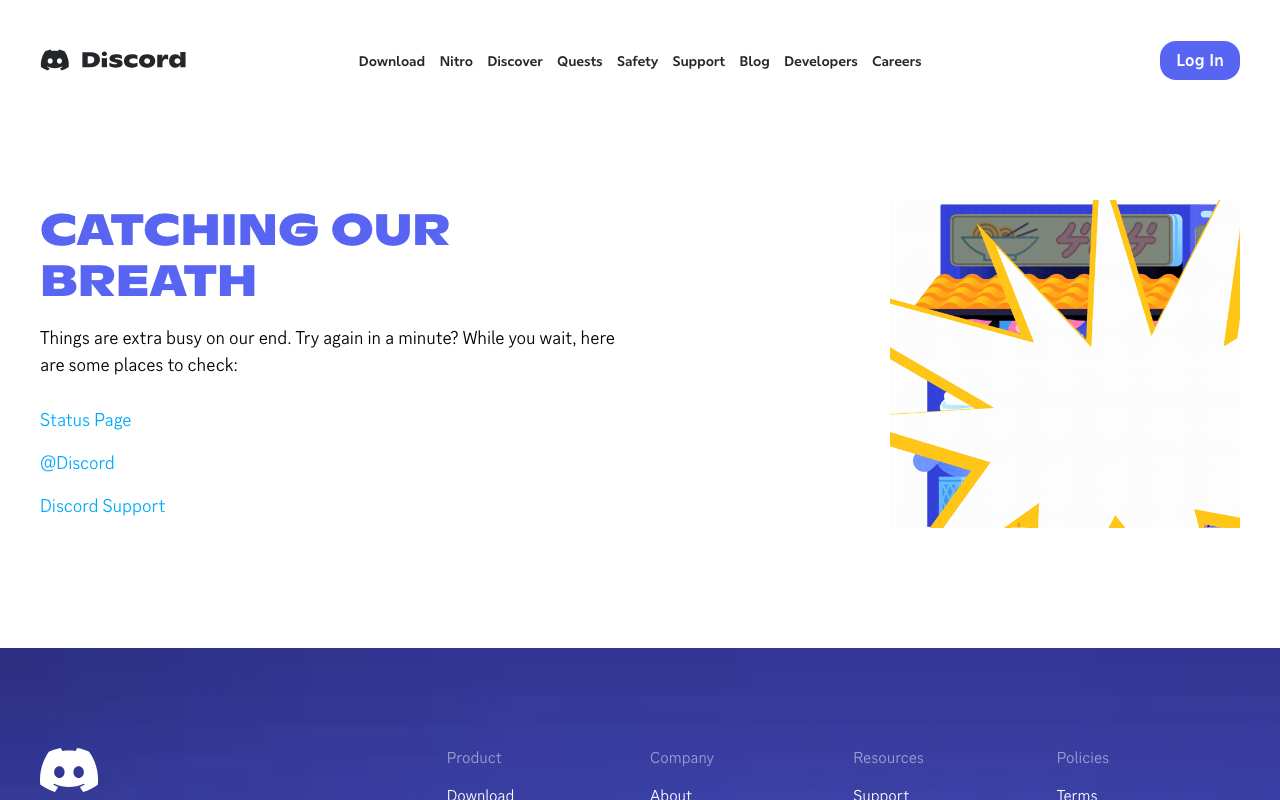

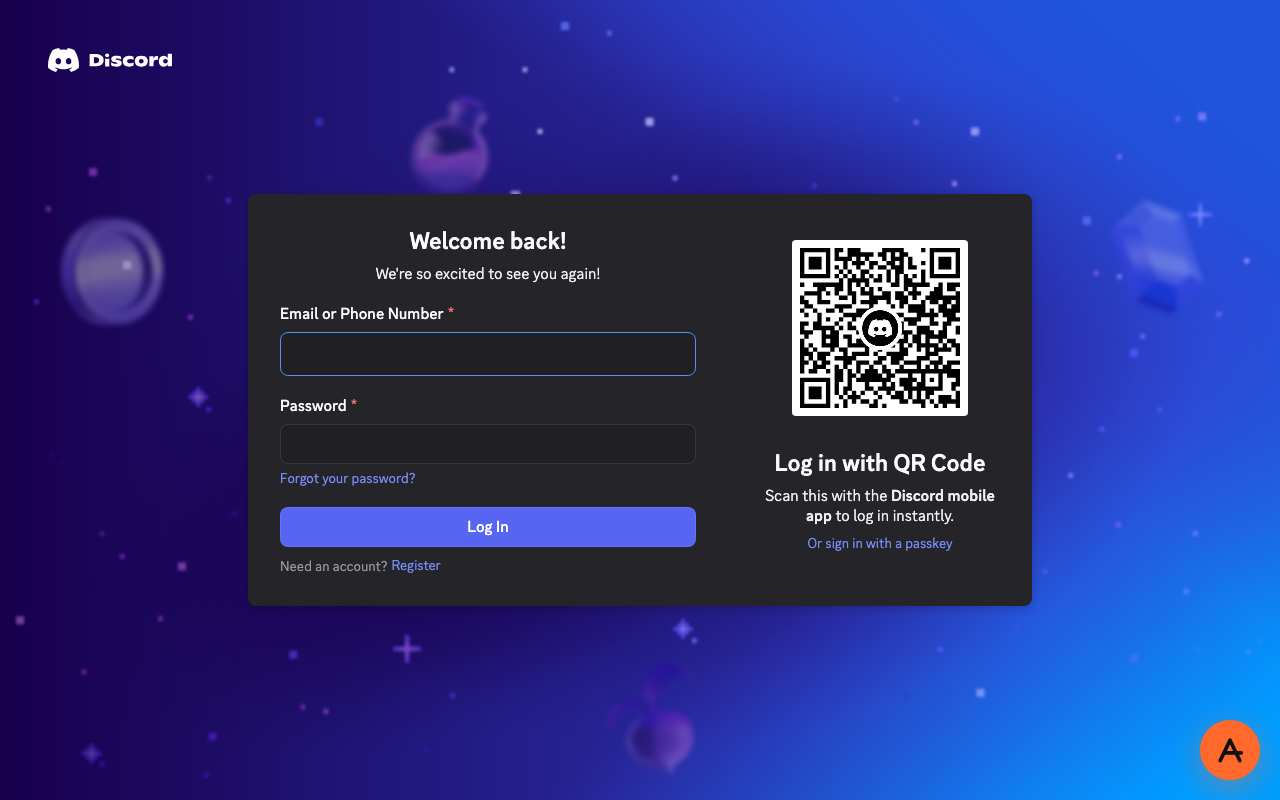
Tested from our proxy exits with a fresh browser, no account. Results can change when Discord changes.
What is a Discord proxy?
The short answer
A Discord proxy is a server that fetches Discord for you and returns the page through your browser. Instead of your device asking discord.com directly, your browser asks anyproxy.site, and we ask Discord on your behalf. The site sees our server, not you. Your network sees anyproxy.site, not Discord.
That single hop is what lets a blocked Discord page open. No app to install, no account to make. Six regions, sorted by real latency.
Discord infrastructure, verified
Discord itself is healthy
When Discord will not load, Discord's own servers are rarely the cause. Here is a dated snapshot of the real discord.com infrastructure from DomainScan on 2026-10-05 — compare against your network's symptoms.
15 of 15 public DNS resolvers returned an address for discord.com in this snapshot. A resolver with no answer is not proof of blocking anywhere. If your own network returns nothing or a different address, the problem is more likely on your network than at Discord.
Where Discord is blocked
Discord block map, with mechanism
The countries that actively block Discord, how they do it, and when. Rows link to their source where we have one; rows without a link are not independently verified.
From your country
Where Discord is restricted
How to unblock Discord
Three steps, no account
Type discord.com
It is already in the box above. AnyProxy opens the site's home page; go deeper from there.
Pick your region
We start you on the nearest server. A closer region means smoother loading.
Browse
Discord opens in this tab. The tests on this page show which features worked for us.
Discord — the timeline
Dated events in Discord's censorship history
- Oct 2024Roskomnadzor restricts access to Discord in Russia, citing violations of Russian law and content (nearly 1,000 items) it had ordered removed. source
- Oct 2024Turkey blocks Discord after an Ankara court decision; Justice Minister Yilmaz Tunc cites suspicion of child sexual abuse and obscenity offences, and authorities say Discord refused to share user data. source
- Oct 2024Novaya Gazeta Europe looks at how Russian users responded to the Discord block. source
What the proxy cannot do for Discord
Honest caveats
- Wait 20–30 seconds on the first load: AnyProxy runs a browser check before Discord appears.
- Logged out, Discord is not useful for reading. /app sends you to the login page, and the public discovery and invite pages failed in our test.
- If you see 'Catching our breath', that page comes from Discord, not from AnyProxy.
Need every app on your device covered, not just one browser tab? That is a VPN's job — see proxy vs VPN for when each is the right tool.
FAQ
Discord, specifically
On managed networks
Open Discord on managed devices
Managed networks — managed Wi-Fi, café PCs, hostel internet — often filter Discord at the DNS or IP level. Content filters used by schools and companies sort sites into categories such as "chat", and administrators choose which categories to block.
Because AnyProxy is a website — not an app or extension — a Chromebook or managed browser that restricts installs still opens it in Chrome. Type discord.com and Discord opens in the same tab, as far as the site allows it; see the tests above. Note: your organisation's acceptable-use policy still applies; check it before use.
Related
Unblock these too
By country
Country-specific evidence
Historical reports describe particular dates and networks. They are not live availability tests. Country context does not select an exit server.
TurkeyBlocked · Oct 2024
Ankara court decision citing criminal activity and harmful content Source
IranBlocked
Loaded in 3.5% of 8,074 OONI tests from Iran; 5,489 confirmed blocked (Jul–Oct 2026) Source
ChinaBlocked
Loaded in 3.2% of 1,075 OONI tests from China (Jul–Oct 2026) Source
RussiaBlocked · Oct 2024
Roskomnadzor block after Discord did not remove ~1,000 pieces of content Source
EgyptOpen
No national block: discord.com loaded normally in about 97.5% of 3,414 OONI tests from Egypt, July–October 2026 Source