Unblock Yandex.
From anywhere.
Free Yandex proxy. No install. Works on a Chromebook, a phone, and any managed browser.
Verified · 2026-10-15
On 15 Oct 2026 Yandex Images and Yandex Maps worked through AnyProxy Frankfurt (red panda image grid; Brandenburg Gate place cards and map), but Yandex web search showed Yandex SmartCaptcha ('Please confirm that you are not a robot') on both Singapore and Frankfurt. Ukraine ordered ISPs to block Yandex in May 2017, and the EU sanctioned Yandex co-founder Arkady Volozh in June 2022.
What we tested through AnyProxy
What works on Yandex, and what doesn't
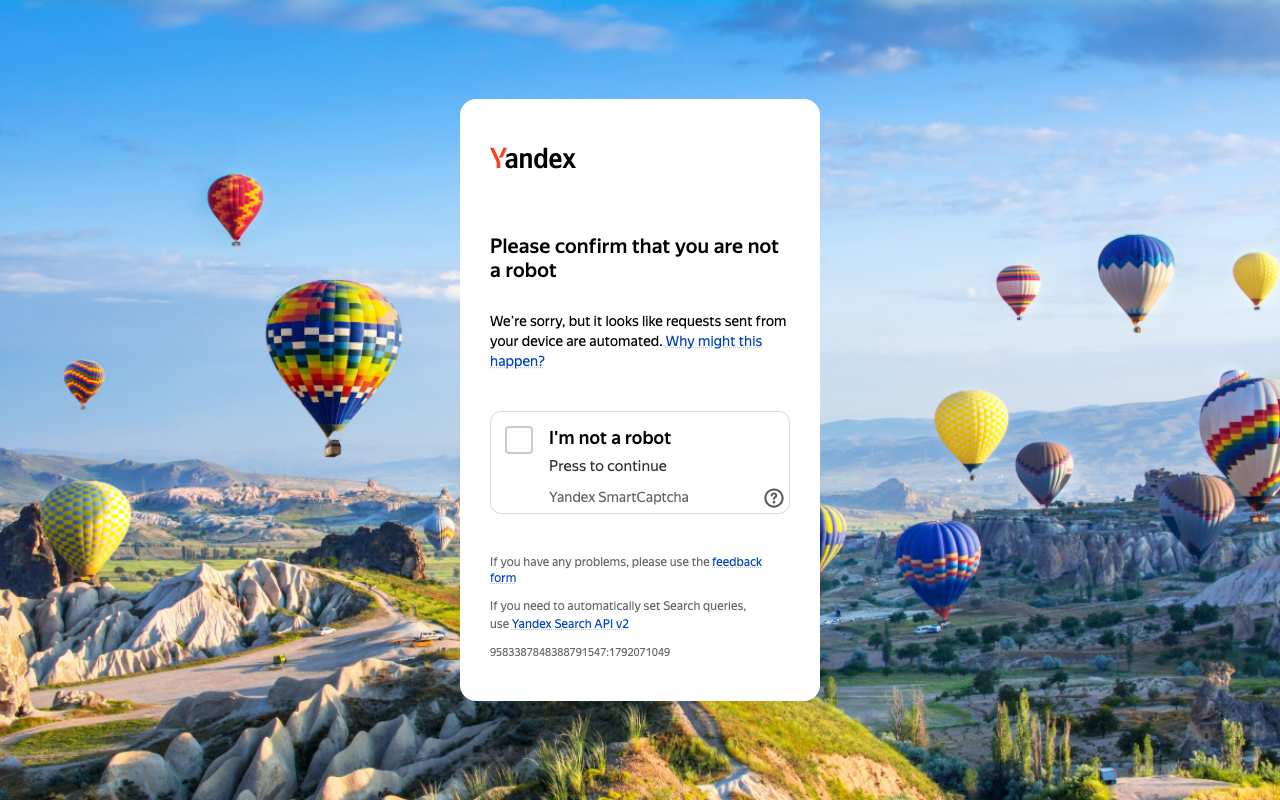
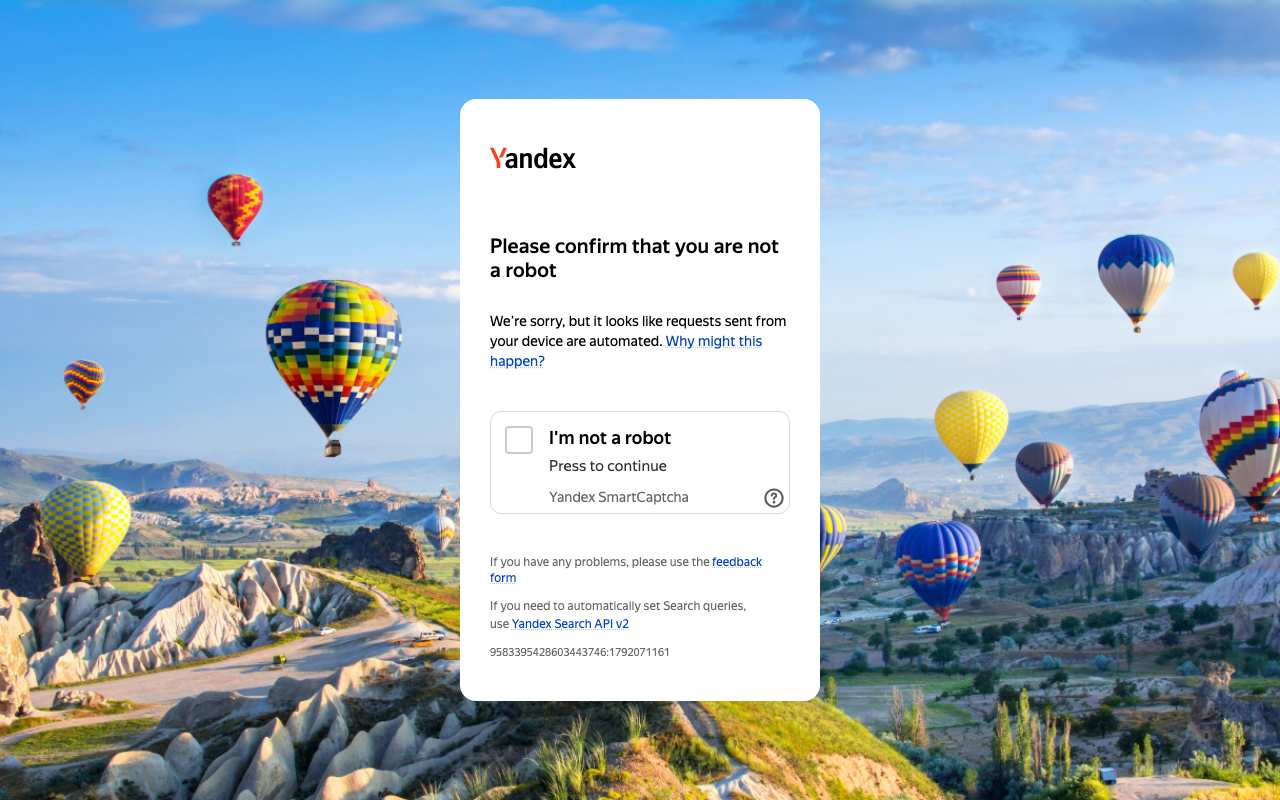
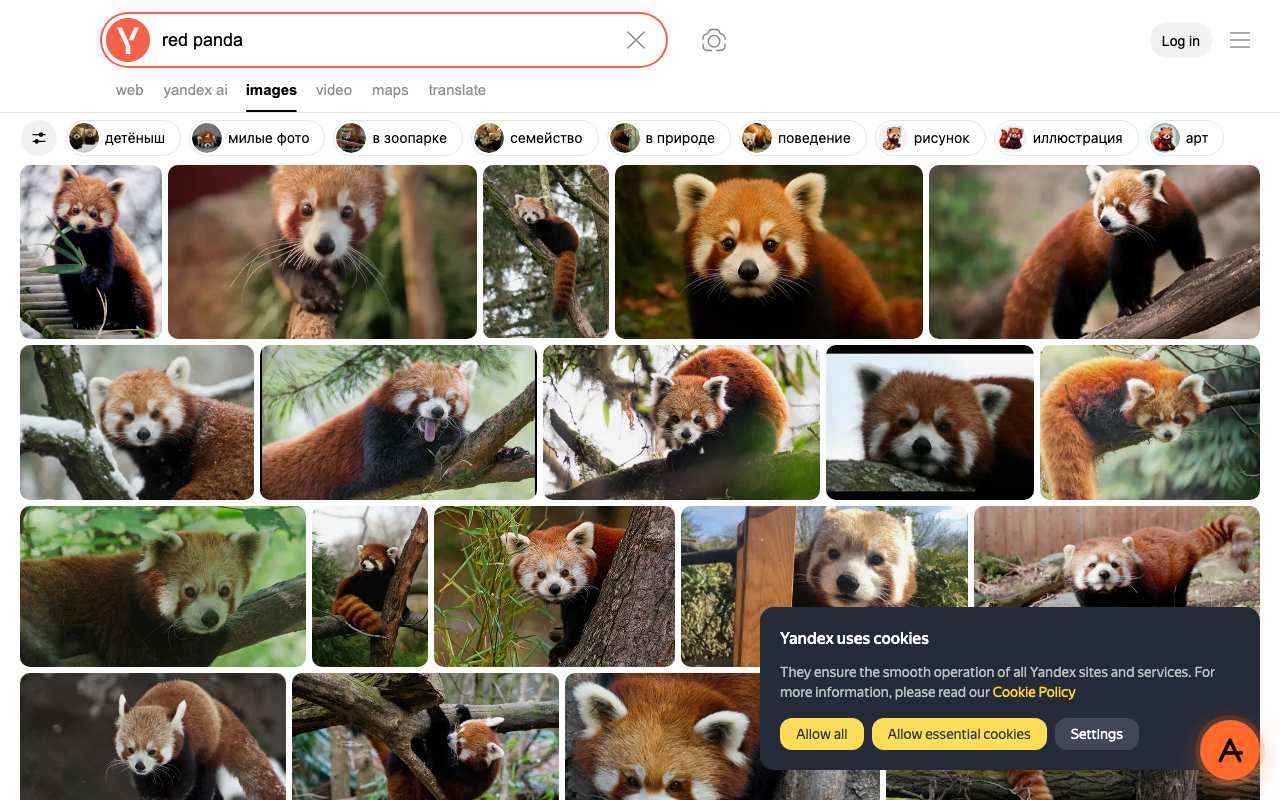
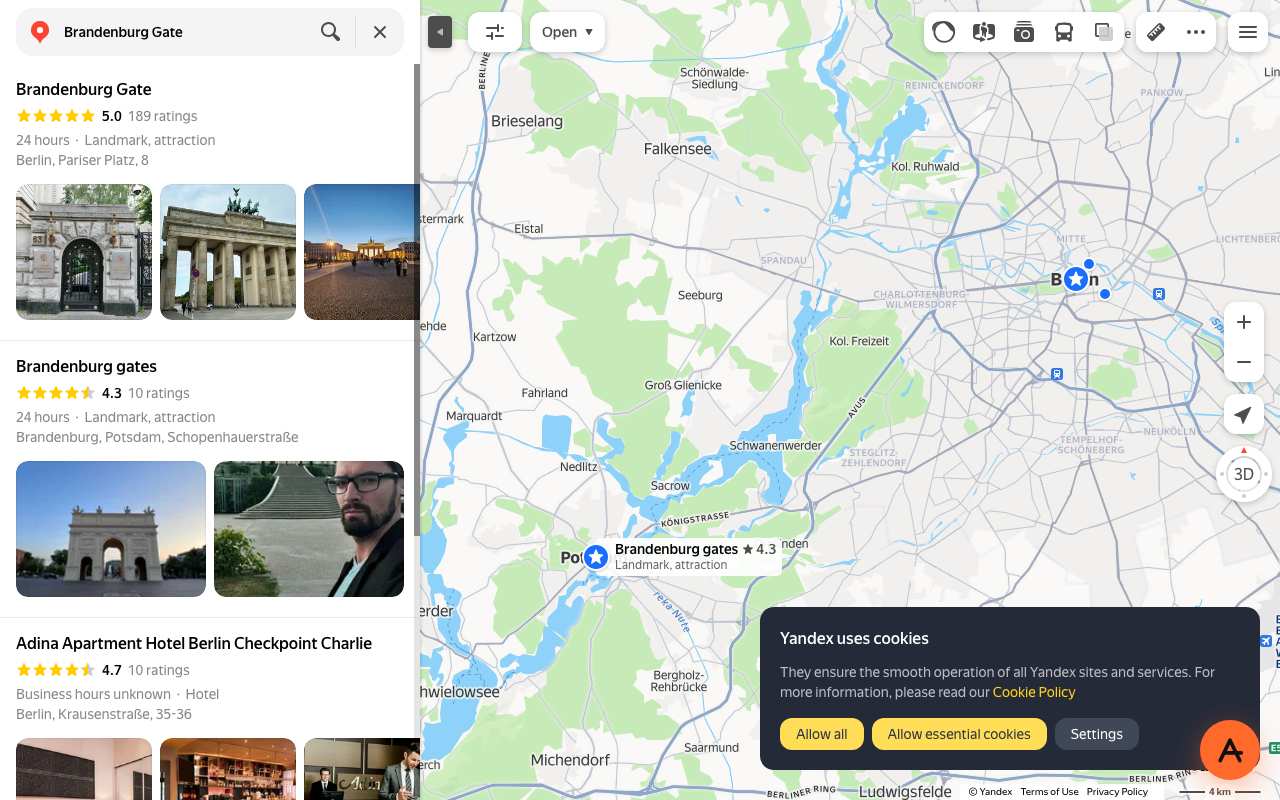
Tested from our proxy exits with a fresh browser, no account. Results can change when Yandex changes.
What is a Yandex proxy?
The short answer
A Yandex proxy is a server that fetches Yandex for you and returns the page through your browser. Instead of your device asking yandex.com directly, your browser asks anyproxy.site, and we ask Yandex on your behalf. The site sees our server, not you. Your network sees anyproxy.site, not Yandex.
That single hop is what lets a blocked Yandex page open. No app to install, no account to make. Six regions, sorted by real latency.
Yandex infrastructure, verified
Yandex itself is healthy
When Yandex will not load, Yandex's own servers are rarely the cause. Here is a dated snapshot of the real yandex.com infrastructure from DomainScan on 2026-10-05 — compare against your network's symptoms.
15 of 15 public DNS resolvers returned an address for yandex.com in this snapshot. A resolver with no answer is not proof of blocking anywhere. If your own network returns nothing or a different address, the problem is more likely on your network than at Yandex.
How to unblock Yandex
Three steps, no account
Type yandex.com
It is already in the box above. AnyProxy opens the site's home page; go deeper from there.
Pick your region
We start you on the nearest server. A closer region means smoother loading.
Browse
Yandex opens in this tab. The tests on this page show which features worked for us.
Yandex — the timeline
Dated events in Yandex's censorship history
- May 2017President Poroshenko signs a sanctions decree (15 May 2017) ordering Ukrainian ISPs to block Yandex, VK, Odnoklassniki, Mail.ru and others; HRW notes 48% of Ukrainian internet users used Yandex daily and calls for the ban to be revoked. source
- Jun 2022EU sanctions Arkady Volozh, accusing Yandex of promoting state media narratives in search; he resigns as CEO. Yandex itself was not listed. source
- Mar 2024EU lifts its sanctions on Volozh. source
- Jul 2024Dutch parent Yandex N.V. completes the $5.4bn sale of its Russian businesses (including Yandex search) to a Russian consortium and becomes Nebius Group. source
What the proxy cannot do for Yandex
Honest caveats
- Yandex web search asked for SmartCaptcha on both regions; Images and Maps did not.
- Yandex Images refinement chips appear in Russian even on yandex.com.
- One Maps attempt via Singapore returned a bare 'limited' page; retrying via Frankfurt a minute later worked.
Need every app on your device covered, not just one browser tab? That is a VPN's job — see proxy vs VPN for when each is the right tool.
FAQ
Yandex, specifically
On managed networks
Open Yandex on managed devices
Managed networks — managed Wi-Fi, café PCs, hostel internet — often filter Yandex at the DNS or IP level. Content filters used by schools and companies sort sites into categories such as "search", and administrators choose which categories to block.
Because AnyProxy is a website — not an app or extension — a Chromebook or managed browser that restricts installs still opens it in Chrome. Type yandex.com and Yandex opens in the same tab, as far as the site allows it; see the tests above. Note: your organisation's acceptable-use policy still applies; check it before use.
Related