Proxy vs VPN for YouTube: Which Actually Works in 2026?
Web proxy or VPN for YouTube? Proxy for one tab on a Chromebook, VPN for whole-device streaming or Netflix. Comparison table + when-to-pick decision matrix.
For watching regular YouTube videos in a browser where you cannot install apps, a web proxy works. For the YouTube app, Shorts, or all-day viewing on your own device, use a VPN.
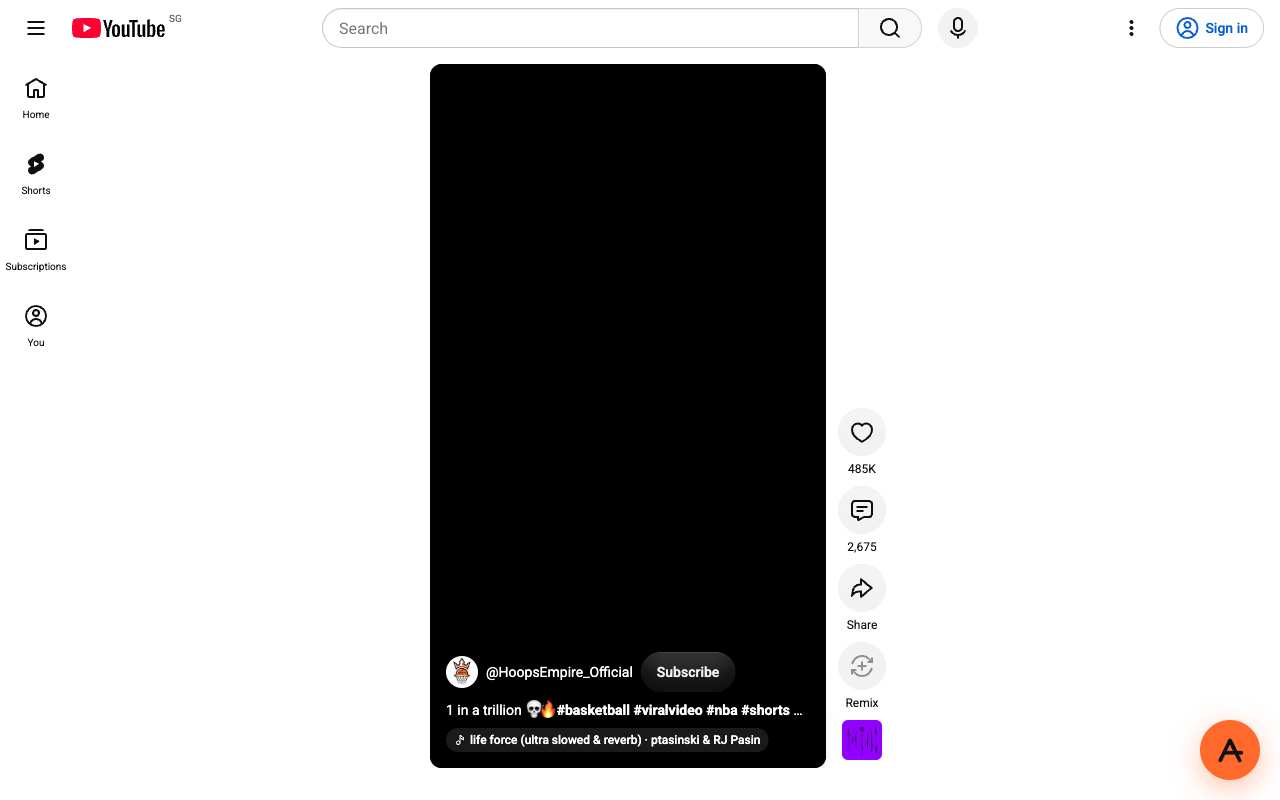
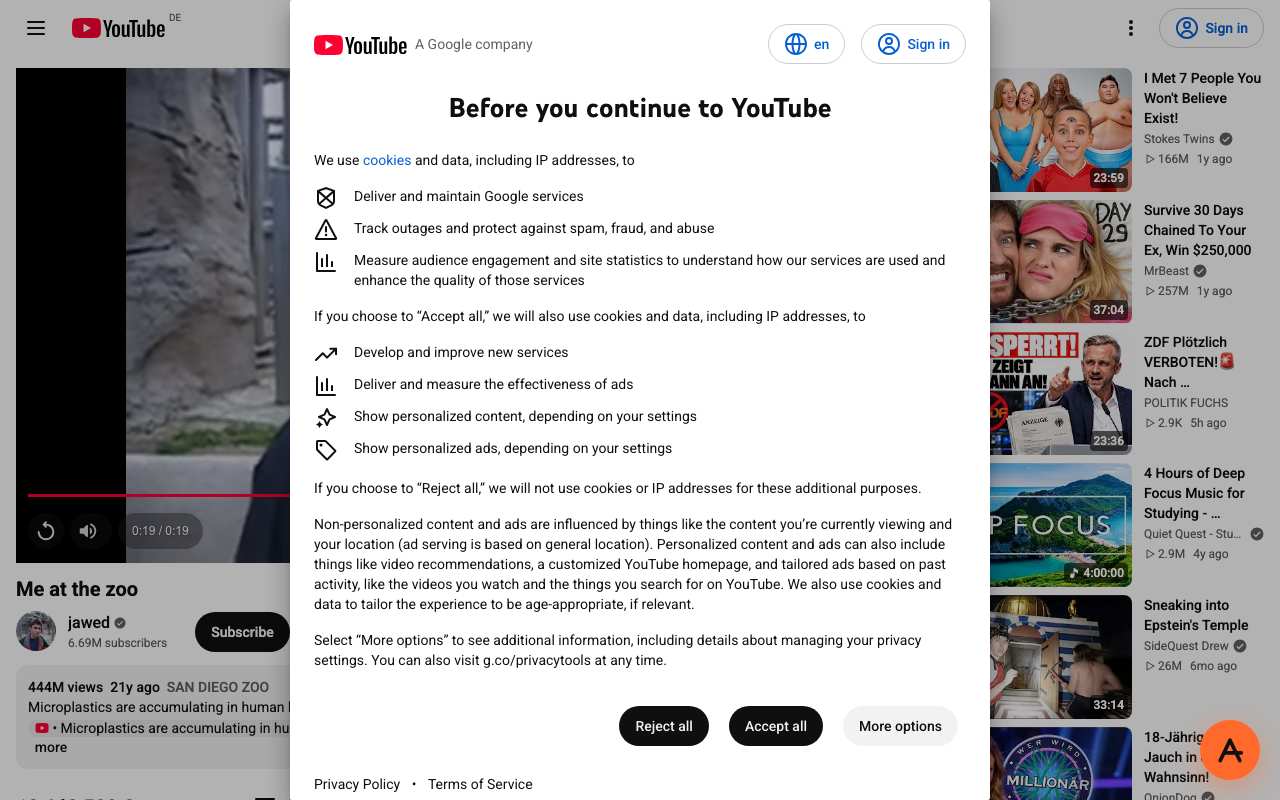
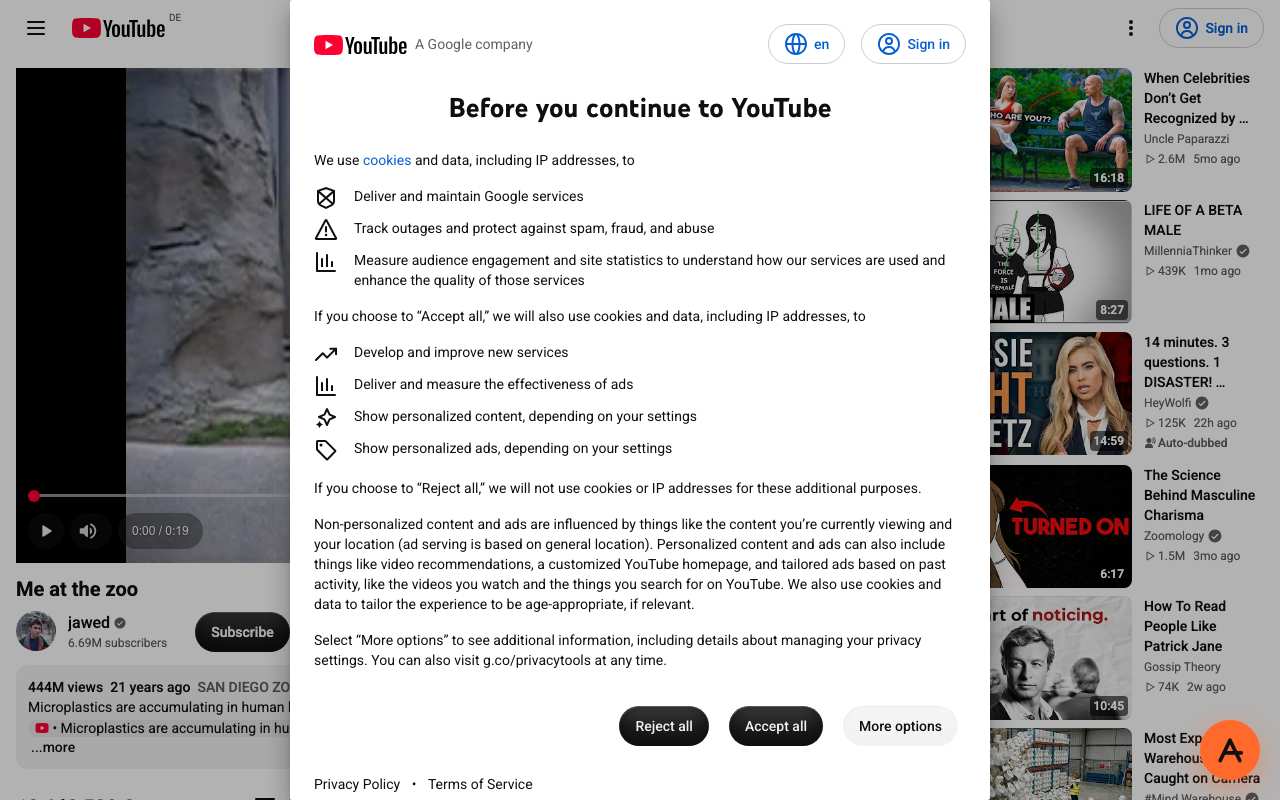
A web proxy opens YouTube in one browser tab with nothing to install; a VPN app routes the whole device, including the YouTube app. In our 15 October 2026 runs, regular YouTube videos played through AnyProxy, but a YouTube Short stayed black and the Frankfurt server put an EU consent screen in front of the player. AnyProxy publishes this page and sells a web proxy, so weigh our view accordingly.
Side-by-side
Web proxy vs VPN
Context
Why this comparison matters
People compare the two when a school, office or national filter blocks youtube.com. The difference is scope: a proxy fetches pages for one tab, while a VPN tunnels all traffic from the device. A proxy also rewrites every page, which is why some YouTube features (Shorts in our test) break through it while the normal watch page works. AnyProxy publishes this page and sells a web proxy, so weigh our view accordingly.
Pick Web proxy when
Web proxy is right
- You are on a device where you cannot install apps and only need YouTube in a browser tab.
- You want to watch a specific regular video, not scroll Shorts.
- You are on a borrowed or shared computer and want nothing installed.
Pick VPN when
VPN is right
- You use the YouTube app on a phone or TV.
- You mainly watch Shorts (they did not play through AnyProxy in our test).
- You also want Netflix, Disney+ or other DRM services, or every app on the device covered.
What breaks if you pick wrong
Pick a proxy for the YouTube app and nothing happens: apps do not use a website. Pick a proxy for Shorts and, on our 15 Oct test, you get a black player. Pick Frankfurt on a proxy and expect an EU consent screen before the video; Singapore and Virginia did not show one.
We checked
YouTube through AnyProxy on 15 October 2026

FAQ