Web Proxy vs Browser Extension: Which Runs on a Managed Chromebook?
Chrome extensions blocked on your managed Chromebook or work laptop? A web proxy runs in the browser tab you already have — no extension install needed. Comparison guide.
Use a web proxy when you cannot install extensions or need one page once. Use an extension you trust when it is your own browser and you want proxying across many tabs.
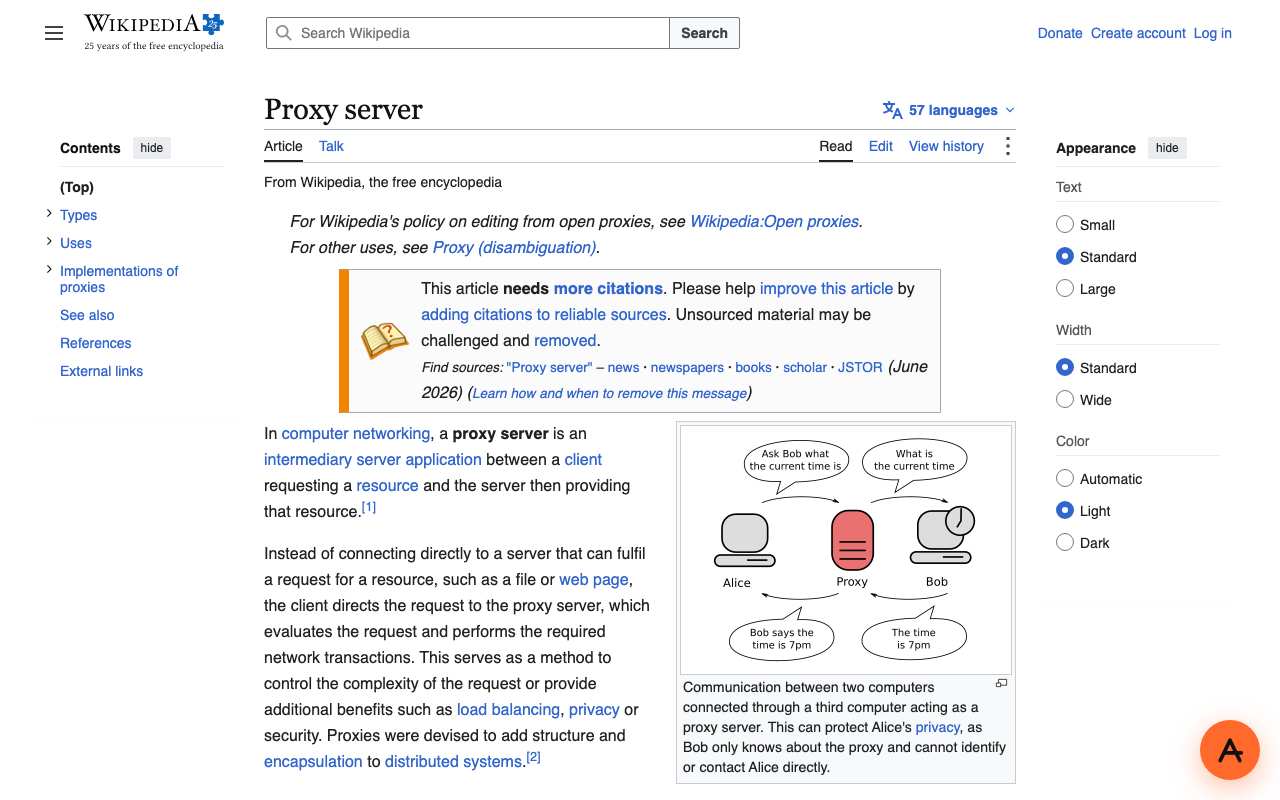
A web proxy is a website: you paste a link and the page opens in that tab. A proxy browser extension has to be installed and then routes the browser's traffic. Where admins block extensions, only the website route is open; on your own browser, an extension is more convenient for repeated use. AnyProxy has no extension. AnyProxy publishes this page and sells a web proxy, so weigh our view accordingly.
Side-by-side
Web proxy site vs Browser extension
Context
Why this comparison matters
Chrome Enterprise lets admins block every extension by setting ExtensionInstallBlocklist to "*" and approving only listed ones. On such browsers an extension cannot be added, but visiting a website is still possible unless the site is filtered. A web proxy also rewrites each page so links stay inside the proxy, which some sites handle better than others. AnyProxy publishes this page and sells a web proxy, so weigh our view accordingly.
Pick Web proxy site when
Web proxy site is right
- Extensions are blocked by your school or employer.
- You need one page, once.
- You do not want to grant a third-party extension access to every site you visit.
Pick Browser extension when
Browser extension is right
- It is your own browser and you proxy many tabs every day.
- The site breaks when rewritten by a web proxy.
- You already trust a specific extension and its operator.
What breaks if you pick wrong
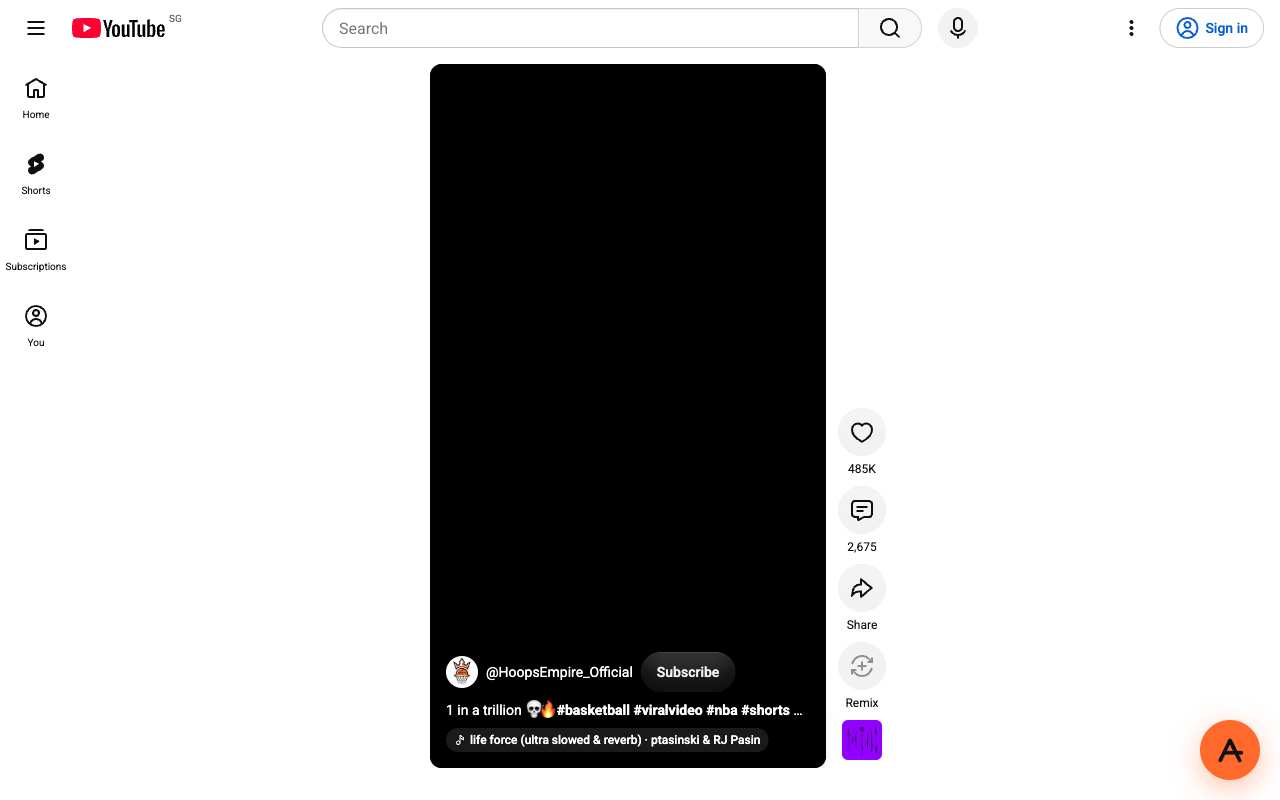
Trying to add an extension to a locked browser fails at the install step. A web proxy on a site that does not survive rewriting, like YouTube Shorts in our test, loads the page but not the content.
We checked
A web proxy in practice: AnyProxy on 15 October 2026
FAQ