Does AnyProxy work on my phone?
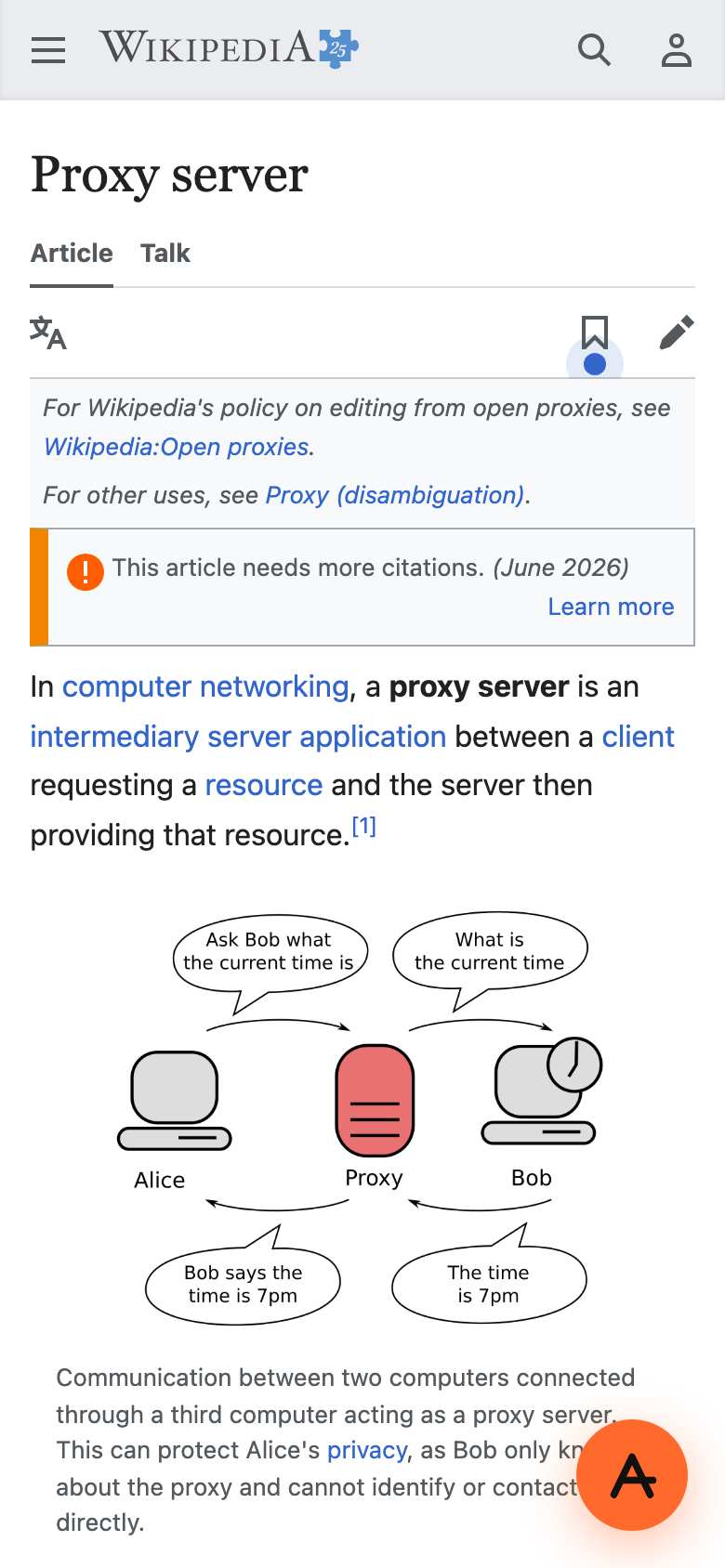
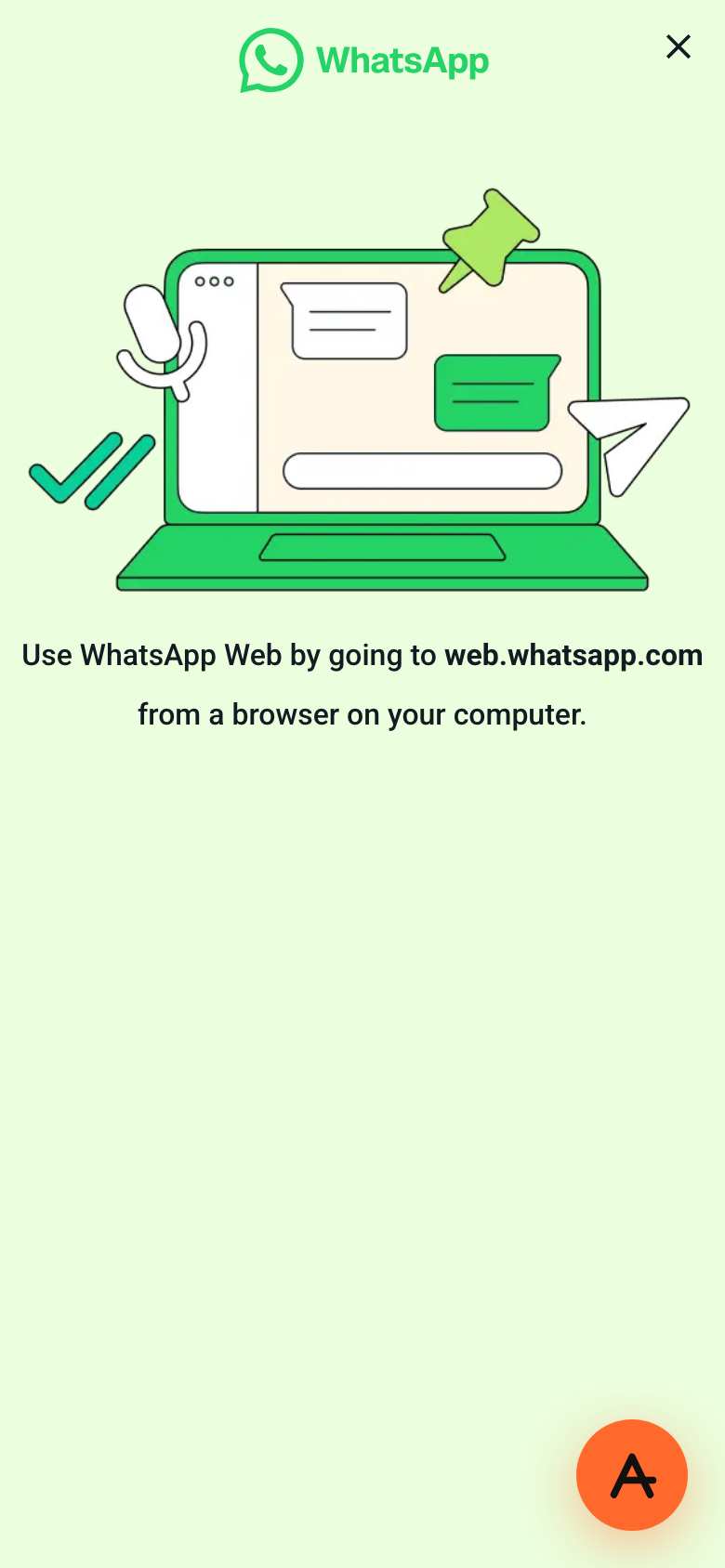
Yes, in the phone's browser: Safari or Chrome on iPhone, Chrome or others on Android, nothing to install. On a 390 x 844 iPhone-sized screen, Wikipedia rendered normally; WhatsApp Web refused phones, as it does everywhere.
Full answer
In detail
AnyProxy is a website, so on a phone you open anyproxy.site in Safari, Chrome, Firefox or any other browser, type the site you want and it loads in that tab. On iPhone and iPad every browser uses Apple's WebKit engine, so it behaves the same in Safari and Chrome. We tested on 15 October 2026 with an iPhone-sized screen (390 x 844, iPhone Safari user agent) through Singapore. Wikipedia rendered in its normal mobile layout. YouTube switched to its mobile site and loaded the watch page with the video's first frame, but the video did not start in our emulated run, so expect to tap play and possibly use the desktop site. WhatsApp Web redirected to a page saying to use it from a computer: WhatsApp blocks phone browsers itself, with or without a proxy. The main limit is apps. The YouTube, Instagram, TikTok and WhatsApp apps make their own connections and never pass through a browser tab, so only their websites can be opened through AnyProxy. Some sites keep pushing you to their app; type the address into AnyProxy instead of tapping app links. For a shared phone, use a private tab: proxied addresses, which include the real site address, otherwise stay in history.
In practice
What works in a phone browser - and what does not
Websites work; apps do not, because they bypass the browser. Sites also make their own phone rules: YouTube serves m.youtube.com, and WhatsApp Web refuses phones entirely. Apple's removal of WhatsApp, Telegram and Signal from its China App Store in 2024 is a reminder of why a browser-only route matters where app stores are restricted.
Sources: Caixin - Apple pulls WhatsApp from China store (2024) · YouTube through AnyProxy - all tests
We checked
On an iPhone-sized screen, 15 October 2026

People also ask
See also
Related questions