Split tunneling
Split tunneling is a VPN setting that sends only selected apps or destinations through the VPN while the rest of the device's traffic uses the normal connection.
Explanation
In depth
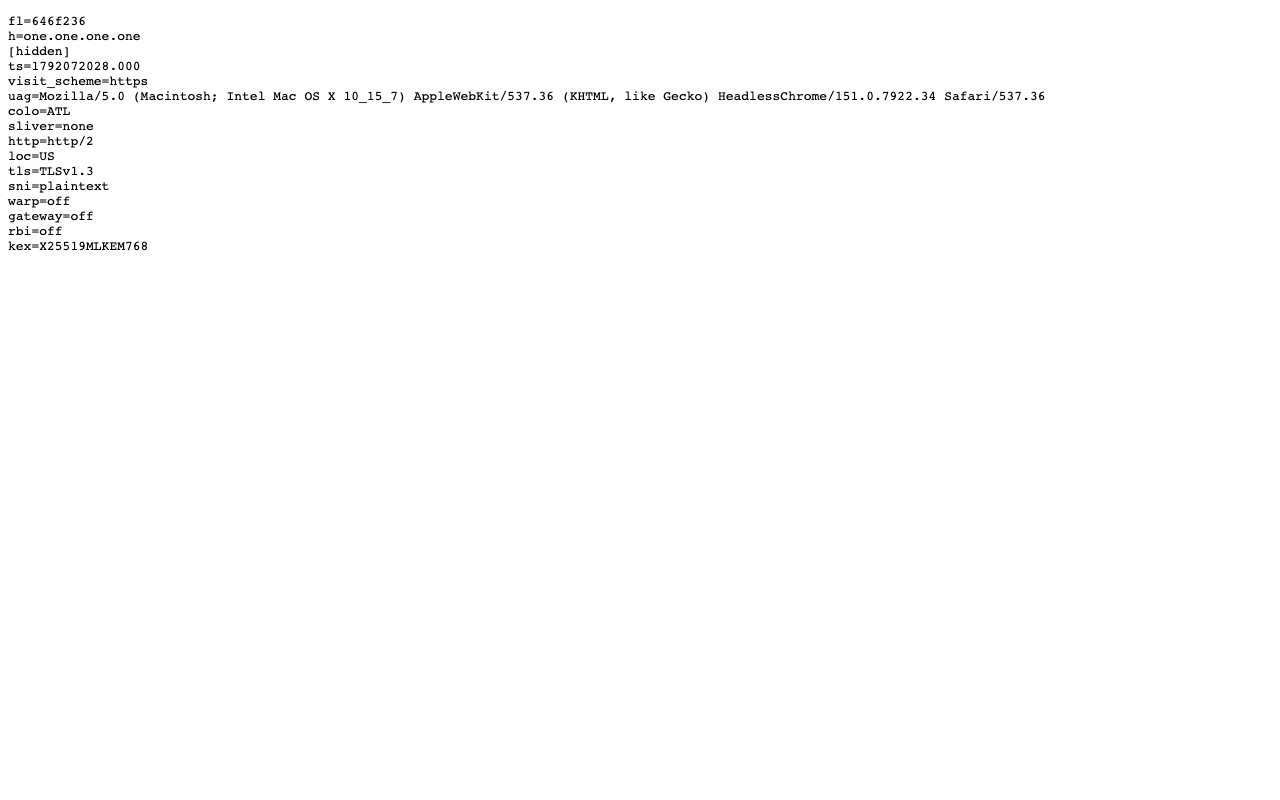
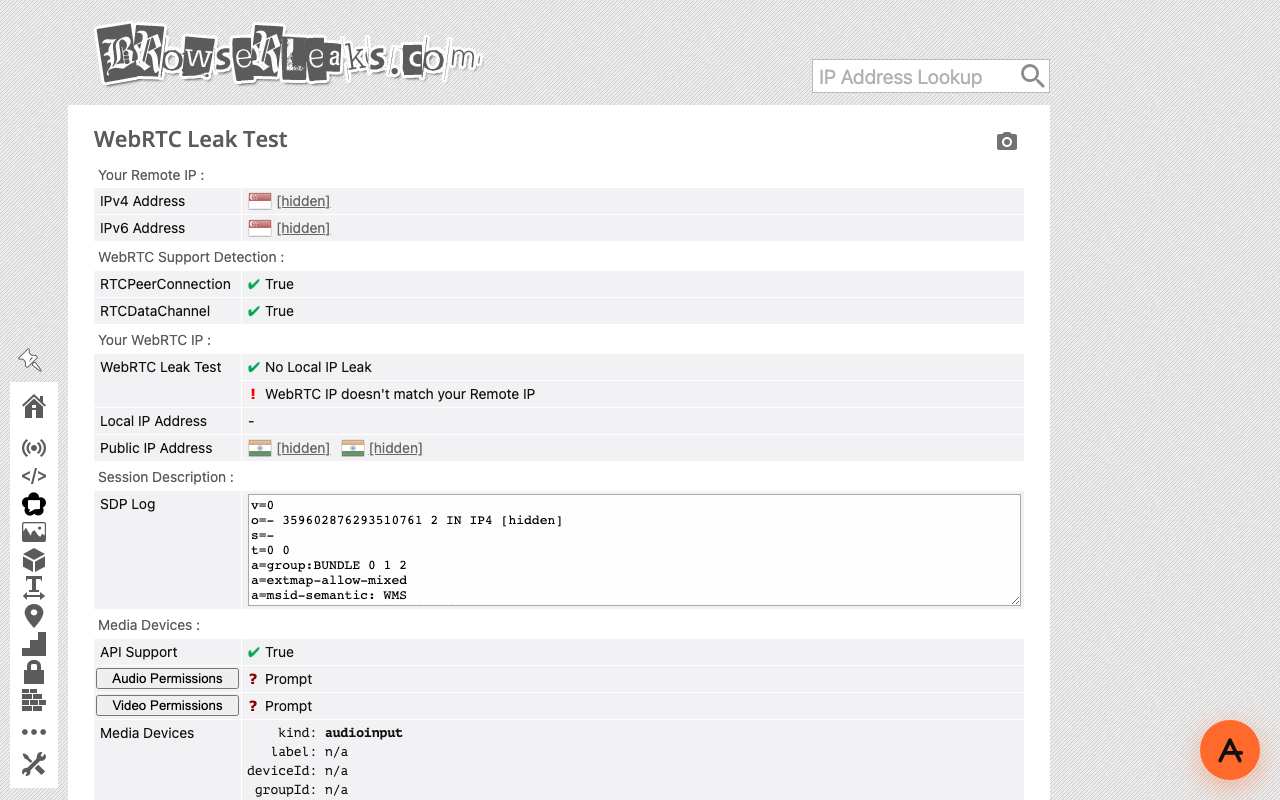
A full-tunnel VPN carries everything; split tunneling lets you choose. You might send only a work app through the company VPN while video calls go direct, or keep local devices such as printers reachable while the browser uses the VPN. Rules can be per app, per destination address or domain, or the inverse: everything through the VPN except a list of exclusions. The benefit is speed and fewer broken local services. The cost is that every rule is a decision about what is unprotected, and mistakes are quiet. A common one is DNS: if a tunnelled app's name lookups still go to the local resolver, the network can see which sites it is reaching even though the traffic itself is encrypted. A web proxy is effectively a split tunnel you cannot misconfigure in the other direction: only pages opened inside its tab go through it. Our own test shows where that split falls. Through AnyProxy, the page saw the proxy's address, but the browser's WebRTC check, which does not go through a web proxy, reported the test machine's own network. Everything outside the proxied page stays on your normal connection.
In practice
Split tunneling in the real world
Split tunnelling sends only chosen apps or destinations through the VPN and lets everything else use the normal connection — for example, a work app through the company VPN and streaming outside it. The catch is DNS: if lookups for tunnelled apps still go to the local resolver, the network can see which sites they reach. A web proxy is a natural split tunnel — only the one browser tab goes through it.
We checked
Where a web proxy's 'split' falls
Questions about Split tunneling
Related terms