Web proxy
A web proxy is a website that loads other websites for you inside your browser tab, with nothing to install and no settings to change.
Explanation
In depth
You open the web proxy's own page, type an address, and its server fetches that site and sends it back rewritten, so that links, images and scripts on the page keep going through the proxy. AnyProxy, CroxyProxy and ProxySite all work this way. The difference from a proxy server in your device or browser settings is where the setup lives. A configured proxy needs you, or an administrator, to enter a host and port or a PAC file, and then it carries all of that browser's traffic. A web proxy needs nothing but a browser: only the pages you open inside its tab go through it, and the rest of your browsing is untouched. That makes it usable on shared or borrowed devices where settings are locked, though a network's own rules still apply. The limits follow from the design. Installed apps, games and anything that is not a web page do not use it. The rewriting can break complicated sites. Sites that refuse data-centre addresses refuse the proxy too. And because the proxy fetches pages for you, its operator handles the content. AnyProxy's free regions are Singapore, Frankfurt and Virginia; Pro adds Tokyo and Los Angeles.
In practice
Web proxy in the real world
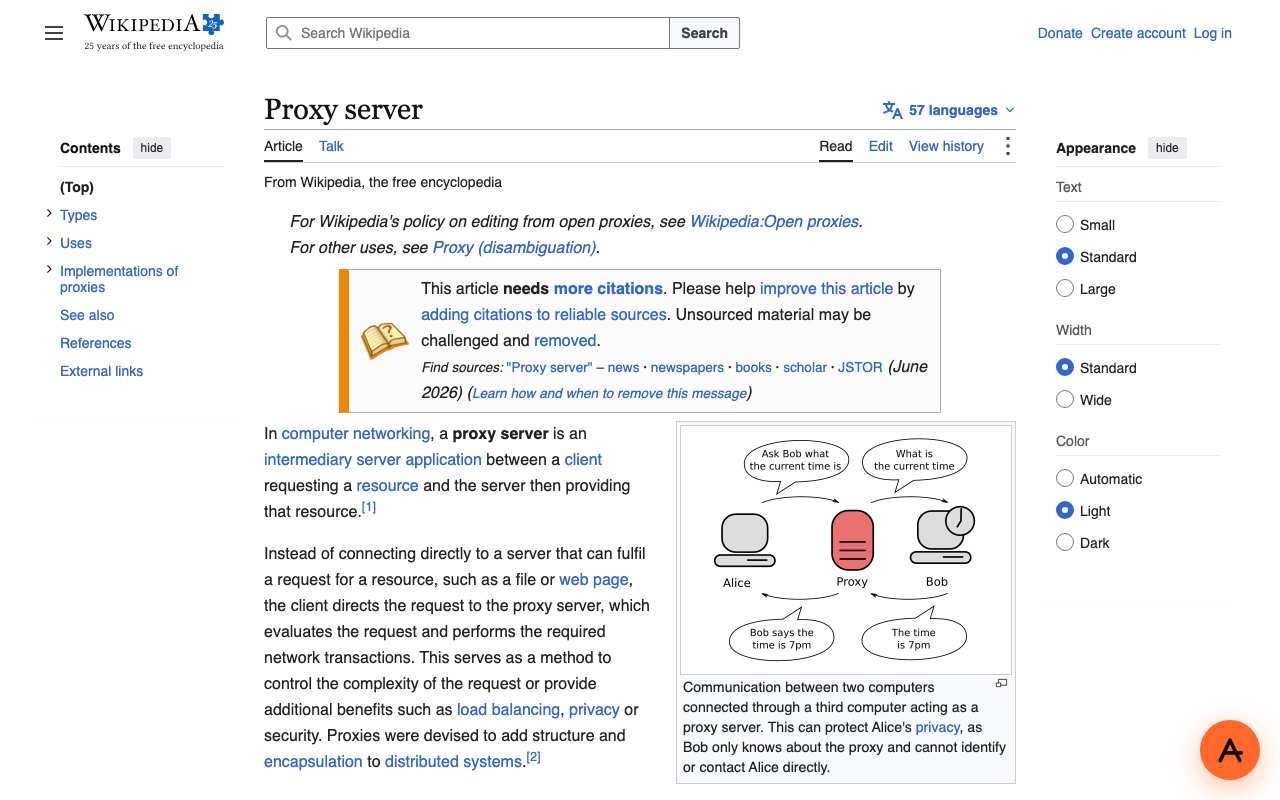
Web proxies vary far more than they look. When we checked eight popular free web proxies on 5 October 2026, two (CroxyProxy and BlockAway) sent HSTS headers that switch HTTPS enforcement off, one (KProxy) presented a certificate for a completely different domain, one (ProxySite) blocked automated checks entirely, and one (911Proxy) turned out not to be a browser proxy at all but a paid residential-IP service. On 15 October we opened Wikipedia's "Proxy server" article through AnyProxy's Singapore server in an ordinary browser tab: the full article, sidebar and images rendered, with no extension or settings change.
Sources: Free web proxies, checked - AnyProxy
We checked
A web page opened inside a web proxy tab
Questions about Web proxy
Related terms