Forward proxy
A forward proxy works for the user: it sends your requests out to the internet for you, so sites see the proxy instead of you.
Explanation
In depth
Forward describes the direction: from clients outward to the internet. Requests leave your device, go to the proxy, and the proxy fetches from the destination. The proxy can be chosen by you (a web proxy such as AnyProxy, or a proxy set in your browser) or by your organisation (a company or school filter that every managed device must use). Because it sits on the user's side, a forward proxy is where decisions about the user's traffic are made: which sites are allowed, what gets logged, and which address and country the outside world sees. That last part is why a forward proxy can open a site that is blocked on your network, and also why sites change language, consent rules or catalogues to match the proxy's location rather than yours. A forward proxy hides your address from the destination; it does not stop the destination recognising you by cookies or a signed-in account. The opposite arrangement is a reverse proxy, which works for the website and sits in front of its servers.
In practice
Forward proxy in the real world
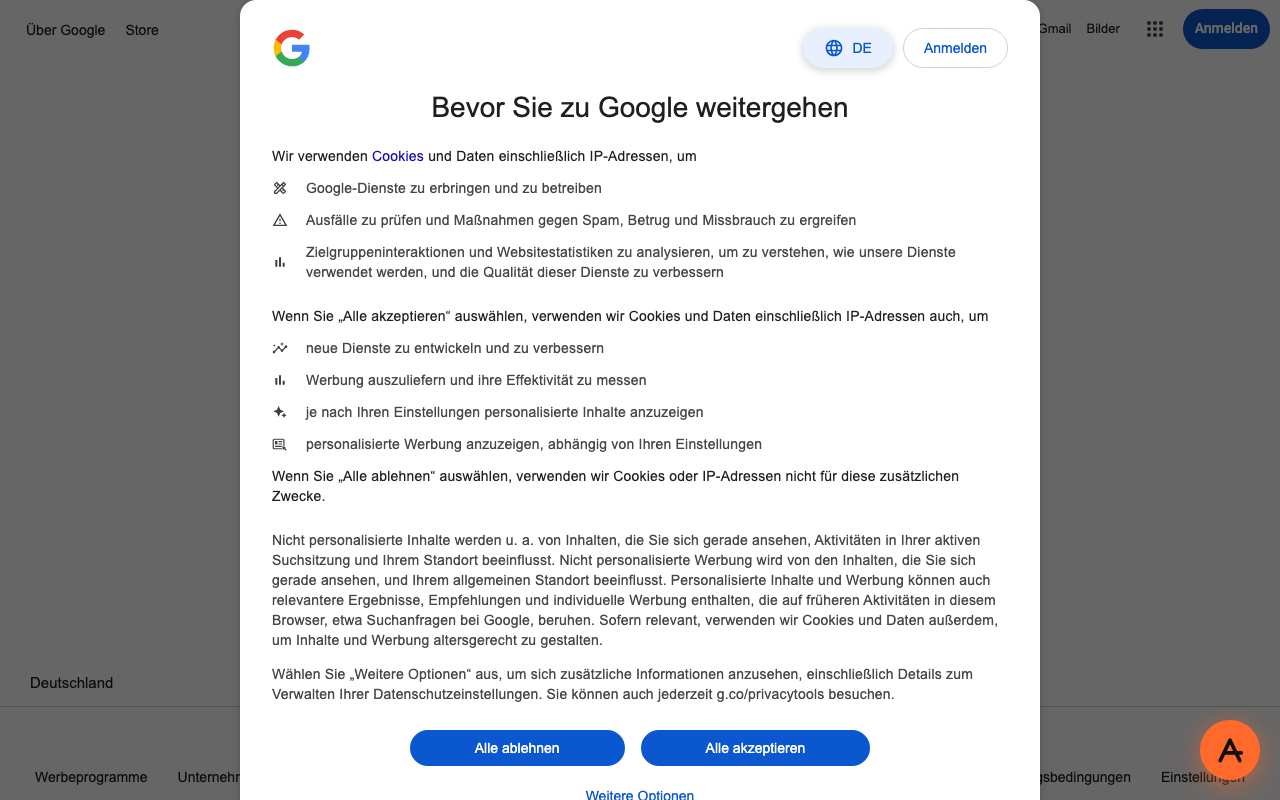
Most people meet a forward proxy at work, where every request from a managed laptop goes through the company proxy or a cloud filter such as Zscaler or Cisco Umbrella, which block whole site categories. The location effect is easy to see. On 15 October 2026 we opened google.com through AnyProxy's Frankfurt server with a browser set to US English. Google answered in German with its EU consent screen, "Bevor Sie zu Google weitergehen", and "Deutschland" in the footer: it treated the visit as coming from Germany, where the proxy is.
We checked
A site reacting to the proxy's location
Questions about Forward proxy
Related terms