ChatGPT can be out of reach for two different reasons, and they need different answers:
- OpenAI does not serve your country. It publishes a list of supported countries and decides from where a visitor appears to come.
- Your network blocks chatgpt.com. A national firewall, or a school or work filter, stops the connection before it reaches OpenAI.
A web proxy changes both what OpenAI sees (the proxy region’s location) and what your network sees (a connection to anyproxy.site). Whether ChatGPT then works depends on OpenAI’s own bot check, and on the day we tested it was inconsistent.
Where ChatGPT is not available
OpenAI’s supported-countries page, as we fetched it on 15 October 2026, did not list China, Russia, Iran, Cuba, Syria, Belarus, Hong Kong or Venezuela. The list changes; check OpenAI’s page for the current version.
Separately, some networks block chatgpt.com. From China, OONI’s volunteer tests between 15 July and 15 October 2026 reached chatgpt.com in only 2.6% of 193 attempts. See unblock sites from China for the wider picture.
What happened when we tried, 15 October 2026
| Region | Result |
|---|---|
| Virginia | ChatGPT’s logged-out page loaded, with the prompt box and Log in button |
| Singapore | Loaded on a second attempt in a regular Chrome window; the first, automated attempt stayed on “Verifying…” |
| Frankfurt | Stayed on Cloudflare’s “Verifying…” check; a retry rendered a blank page |
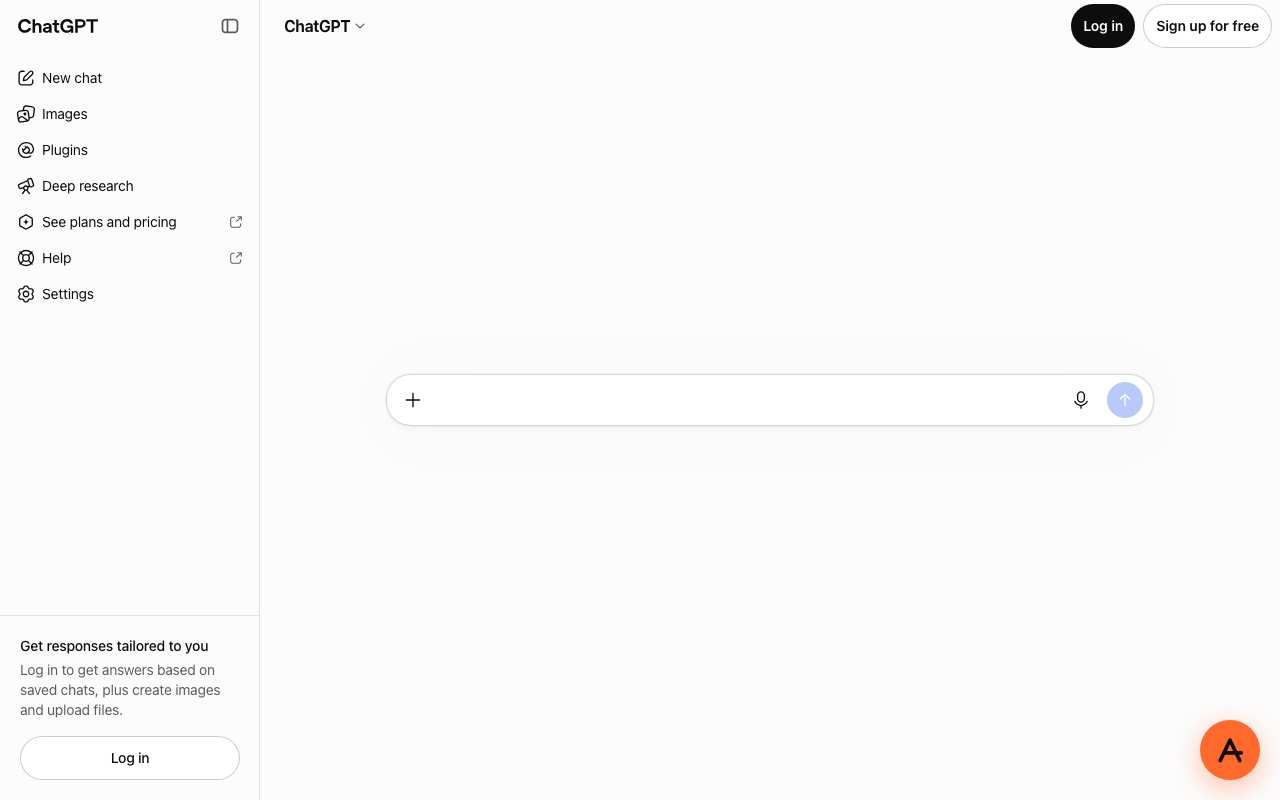
chatgpt.com through AnyProxy Virginia, 15 October 2026.
Three days earlier, on 12 October 2026, all three regions stuck at the Cloudflare check. So one success does not mean every attempt works. We also typed a question into the prompt box through Virginia; it appeared in the box but was not sent within 25 seconds, so we did not see ChatGPT answer through the proxy.
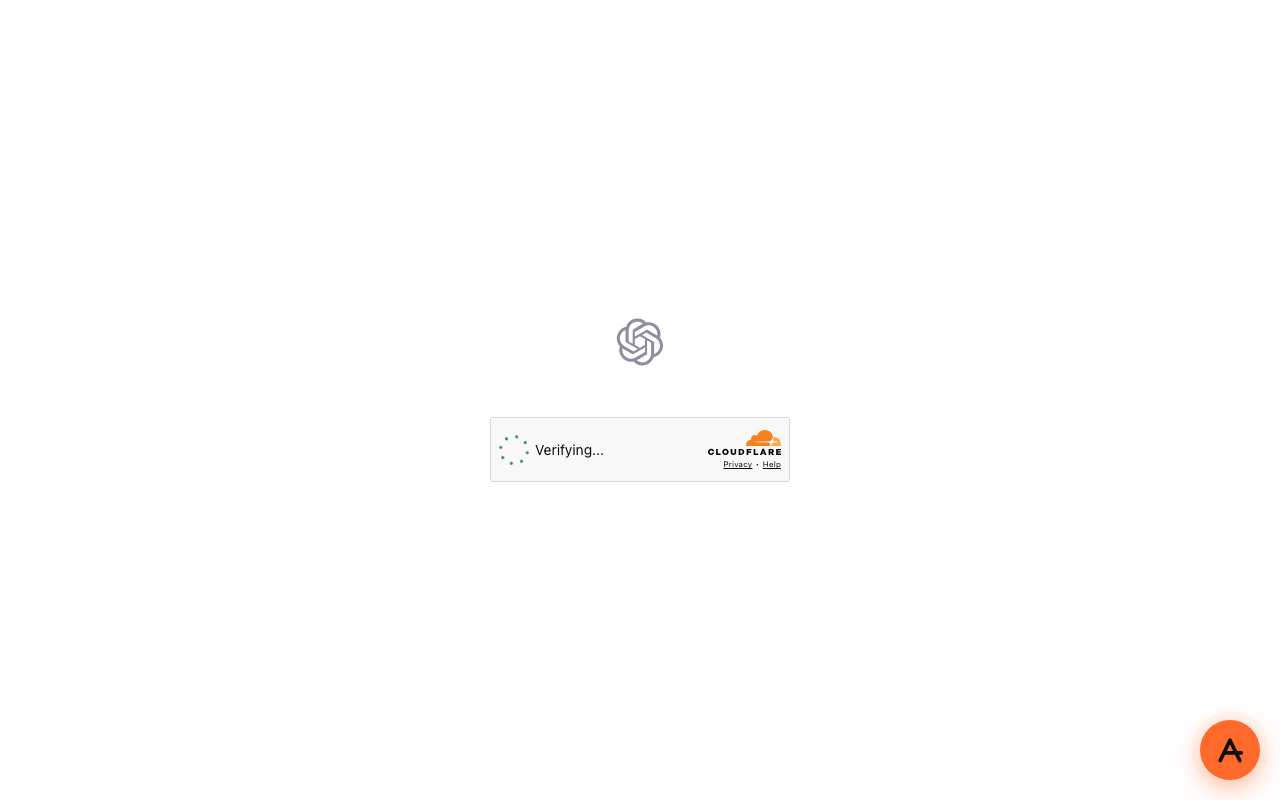
chatgpt.com through AnyProxy Frankfurt, 15 October 2026: the check did not finish.
How to try it
- Open anyproxy.site in any browser.
- Type
chatgpt.com. A pasted link to a specific chat opens ChatGPT’s home page instead. - Pick Virginia and press Open.
- If a Cloudflare “Verifying…” box appears, wait 30 to 40 seconds. If it does not finish, reload once, then try Singapore.
If none of the regions get past the check, ChatGPT does not currently work through AnyProxy from where you are. See fix proxy not loading for what the different failures look like.
Before you sign in
We do not sign in with real accounts, so the following is general guidance, not a tested walkthrough.
- The proxy handles what you type. HTTPS protects each leg of the connection, but the proxy operator handles the decrypted page in between, including passwords and your prompts. Do not paste anything confidential into ChatGPT through any web proxy.
- The address bar shows the proxy’s address, not chatgpt.com, so you cannot use it to check you are on the real page. Only open ChatGPT by typing its address on anyproxy.site yourself, never through a link someone sends you.
- OpenAI sees a login from the proxy’s region. Expect a security email or extra verification. Passkeys and security keys are tied to the real site’s address and are unlikely to work through a web proxy.
- OpenAI’s terms and your local law apply. If OpenAI does not serve your country, using ChatGPT from there through any route may break its terms. We cannot tell you how OpenAI treats that.
Full guidance: how to log in through a proxy.
Signing up for a new account
We have not tested sign-up. OpenAI’s sign-up can ask for phone verification, and a proxy does not change which phone numbers OpenAI accepts.