Do I need to install anything to use AnyProxy?
No. AnyProxy is a website: open anyproxy.site in Chrome, Safari, Firefox or Edge, type a site, and it loads in the same tab. No app, extension, account or settings change.
Full answer
In detail
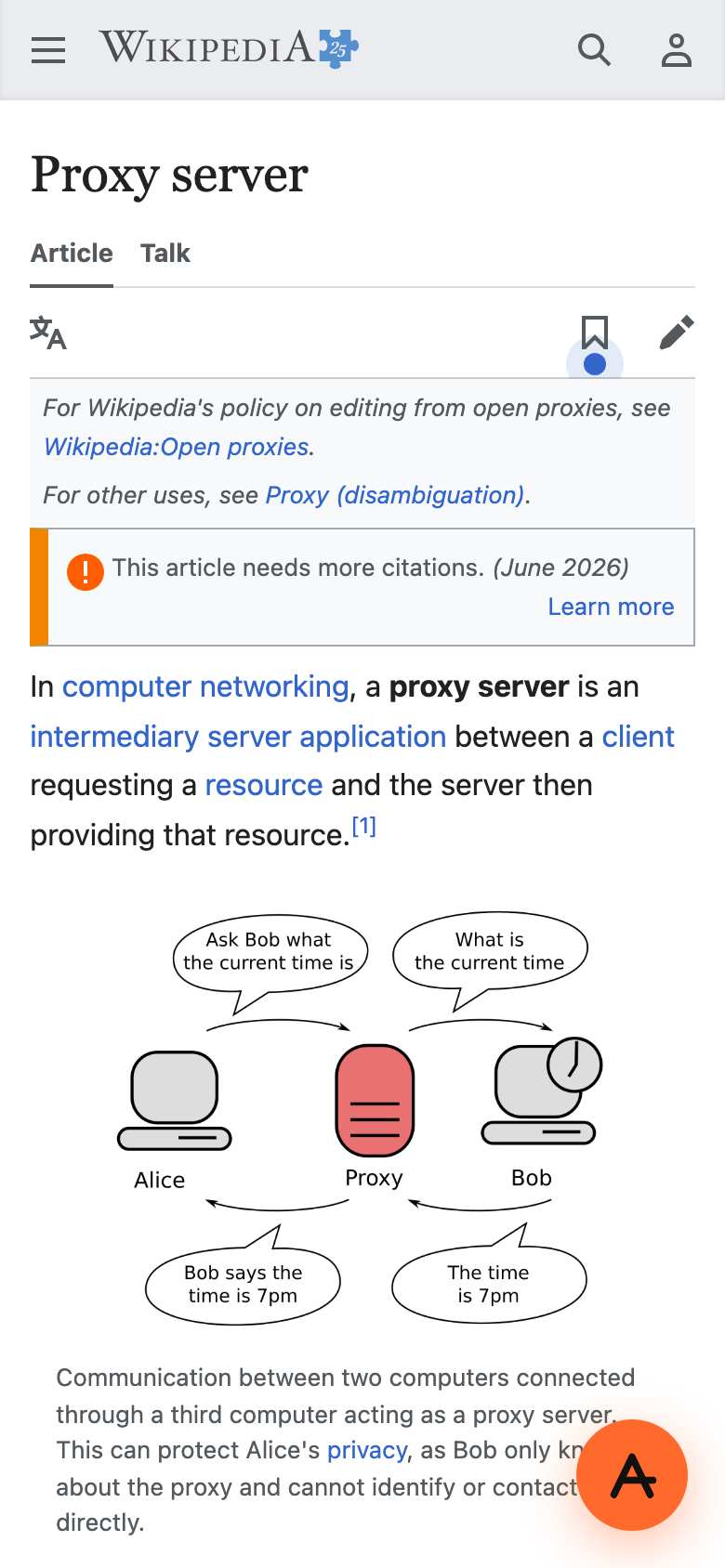
Nothing to install is the whole design. You visit anyproxy.site in the browser you already have, type a site or paste a link, pick a region if you want a different one, and the page opens in that tab. There is no app store download, no browser extension and no system proxy or VPN profile to set up, and the free tier needs no account. Pro needs an account only for billing. It also works on phones: on 15 October 2026 we opened Wikipedia through AnyProxy on an iPhone-sized screen and it rendered in the normal mobile layout. Two honest limits come with not installing anything. Only what happens in that browser tab goes through the proxy, so apps on your phone or computer keep their direct connection. And some sites treat phone browsers differently: WhatsApp Web, for example, tells phone visitors to use a computer, proxy or not. Closing the tab ends the session, but your browser history still keeps the proxied addresses, which include the site's real address, unless you use a private window.
In practice
Why no install matters more than it sounds
Installing is exactly what restricted devices and countries stop. Managed Chromebooks and work laptops limit apps and extensions to an approved list. India removed more than 3,000 apps, VPNs among them, from the Play Store in 2025, and Apple removed WhatsApp, Telegram and Signal from its China App Store in 2024. A website needs no store's approval - but it also only covers the browser tab.
Sources: MediaNama - 3,000+ apps removed (2025) · Caixin - Apple pulls WhatsApp from China store (2024)
We checked
No install, on a phone-sized screen
People also ask
See also
Related questions