1
AnyProxy
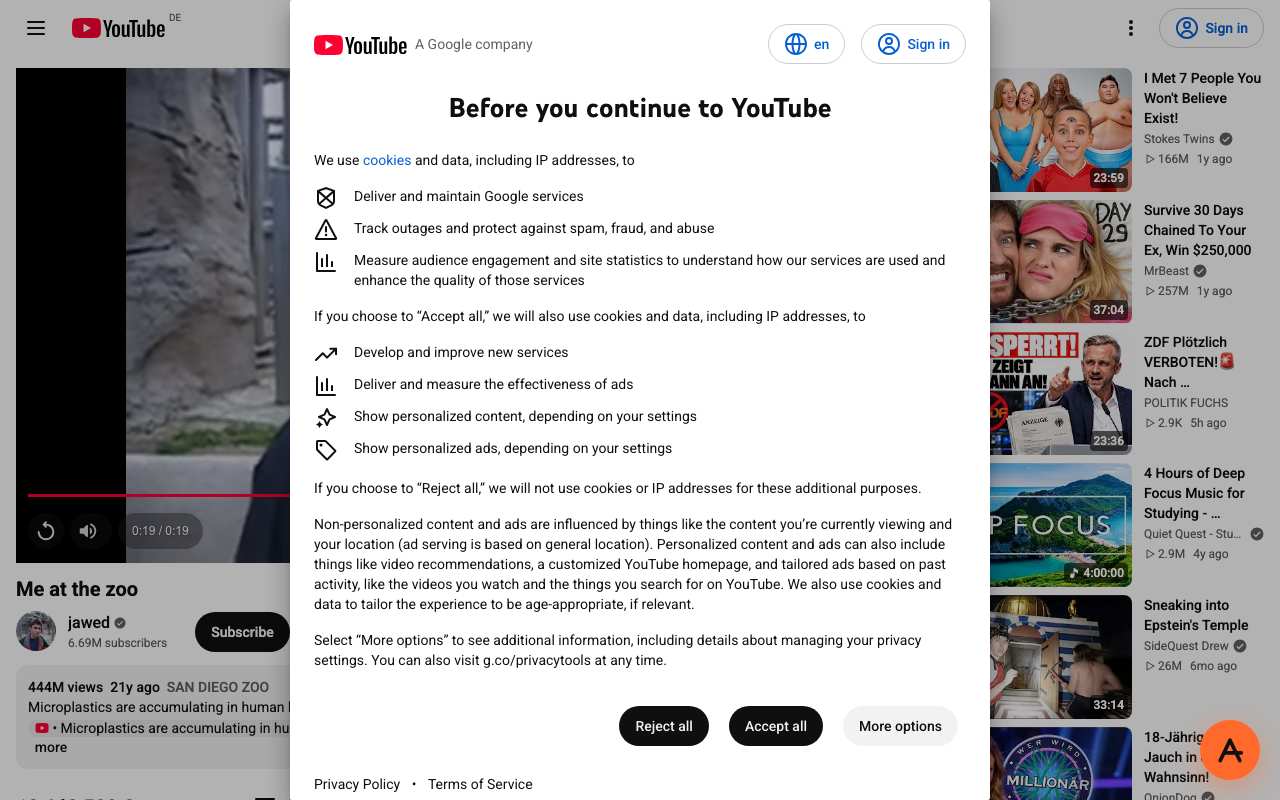
Our pickThe only proxy in our 15 Oct test where the video actually played (19.1 s of 0:19, Singapore). Frankfurt played it too but shows YouTube's EU cookie dialog first. Free tier has three regions (Singapore, Frankfurt, Virginia) and shows ads; Pro ($4.99 a month) removes them. Autoplay did not start on one run, so press play if the player sits at 0:00.
Best forWatching a specific video when YouTube is filtered on your network; pick Singapore or Virginia to avoid the EU consent screen.
Try AnyProxy2
CroxyProxy
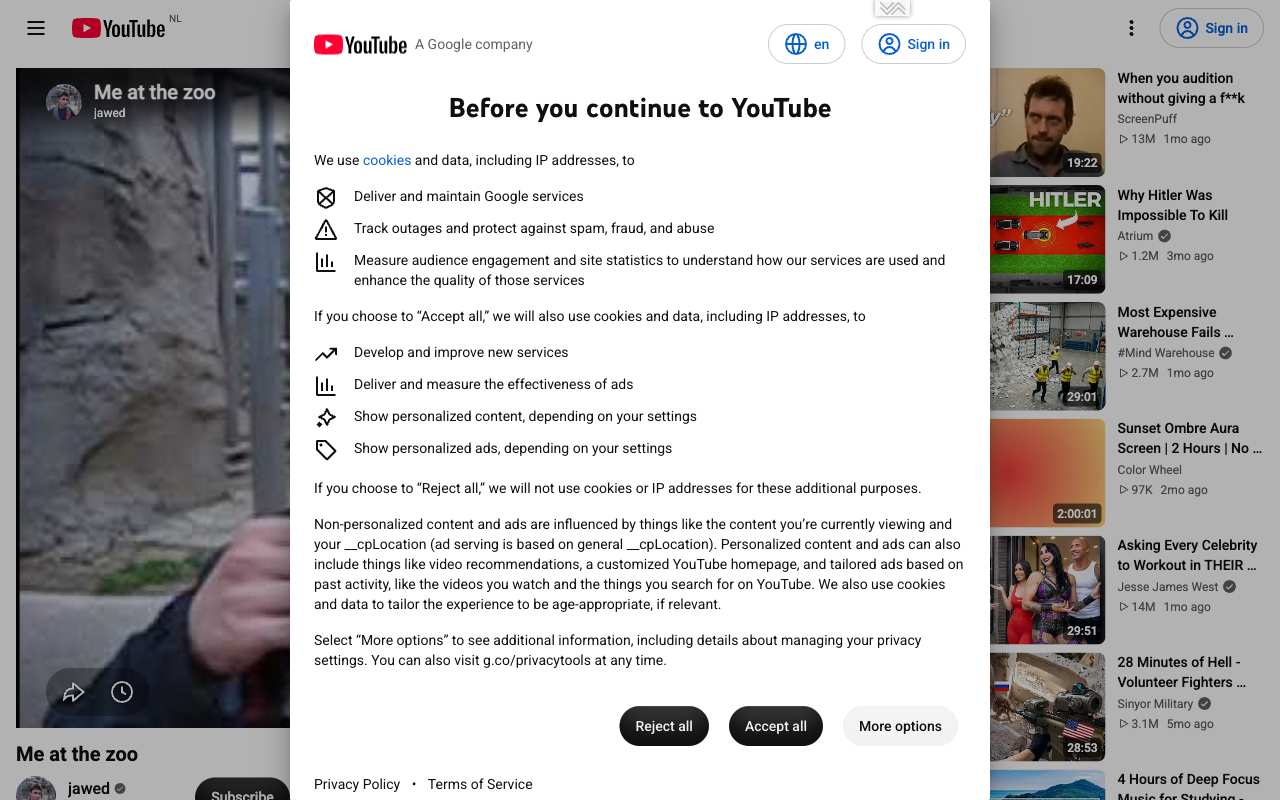
Loaded the watch page, title and recommendations through a Netherlands exit, with YouTube's EU cookie screen in front. The video did not start in this run or in three earlier runs the same day. A person clicking play may have more luck; we did not confirm it. Premium ($3.50 a month on Patreon) removes ads and lets you pick a server country.
Best forReading a video's title, description and comments when playback is not essential.
Compare in detail3
Proxyium
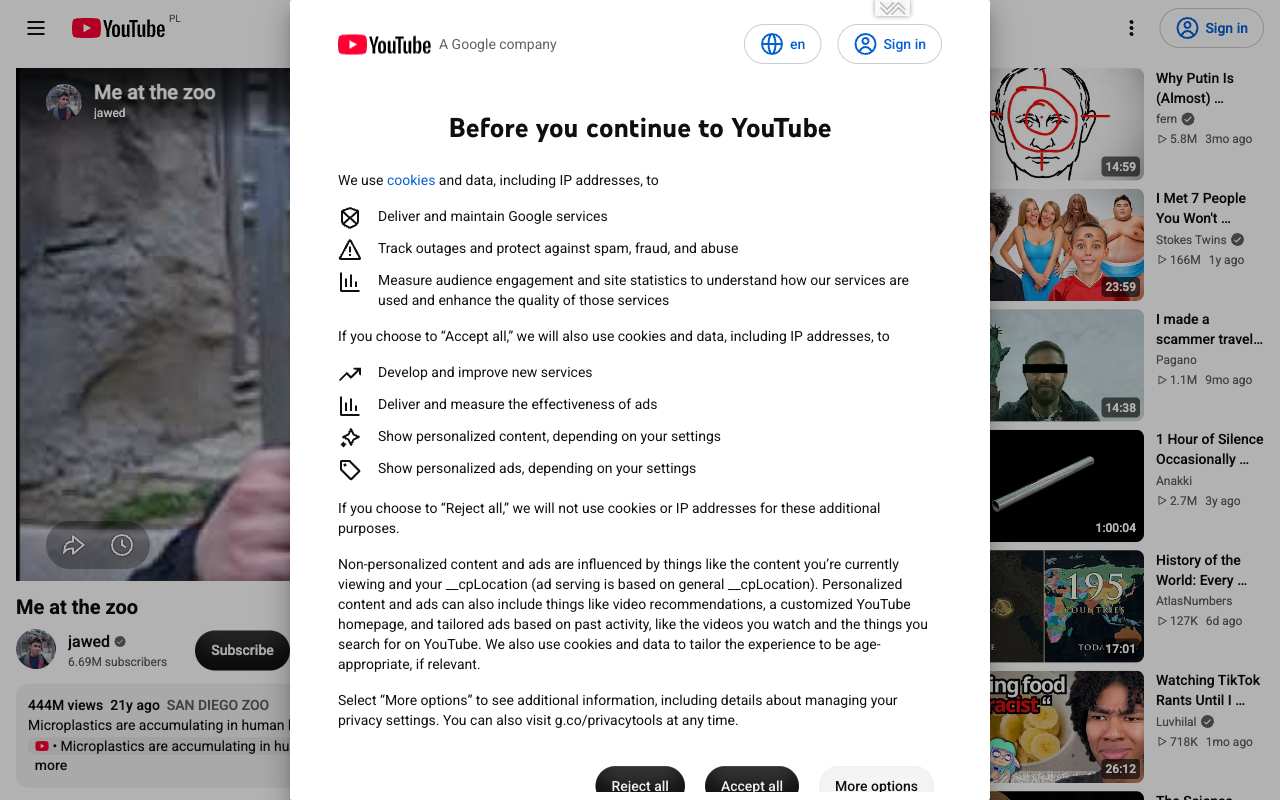
Same result as CroxyProxy (the two share an engine): watch page behind an EU cookie screen through a Poland exit, video paused at 0. Ranked below CroxyProxy because it has no paid plan to remove ads and its own picker labels the US and Singapore servers "Slow".
Best forUsers near Europe checking a video page.
Compare in detail4
4everProxy
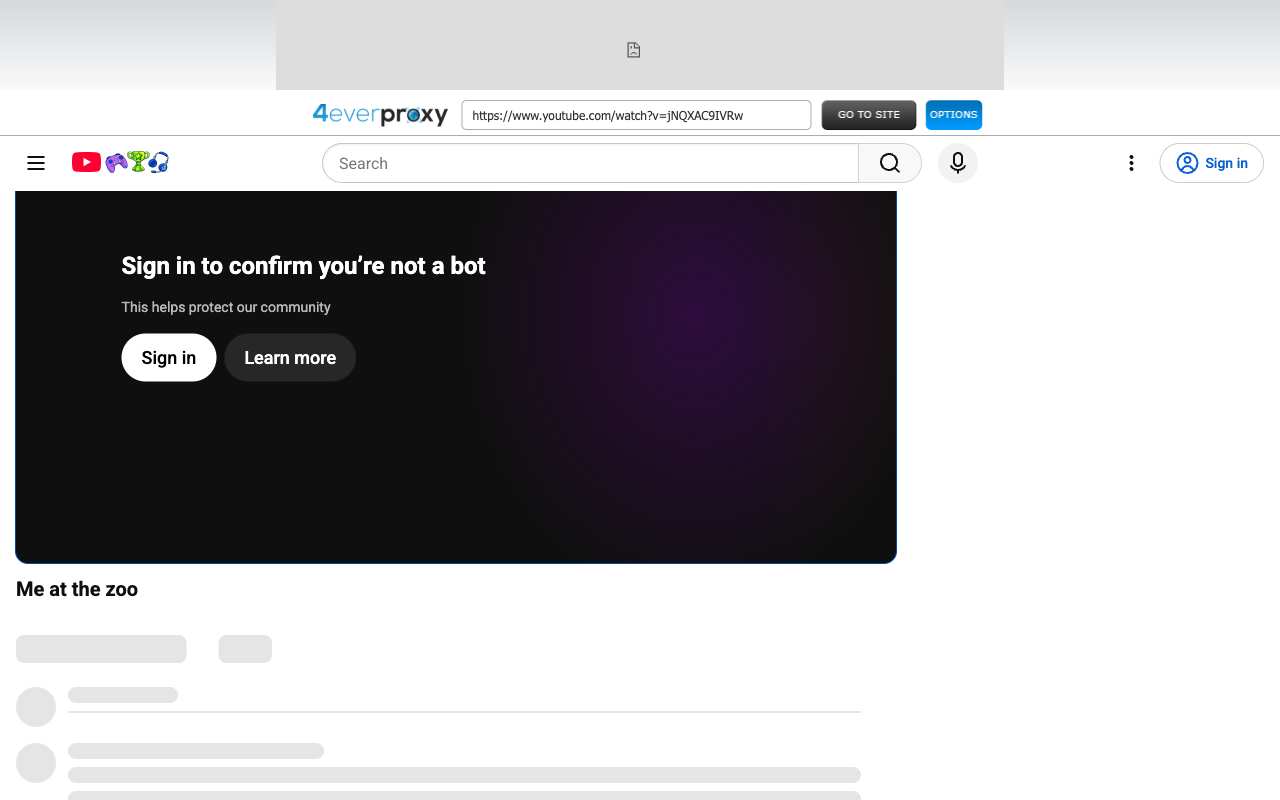
Two runs, two failures: first a Cloudflare 520 error from 4everProxy's own server, then YouTube's "Sign in to confirm you're not a bot" in place of the player. 4everProxy also runs a separate video proxy we did not test.
Best forNot YouTube on the free web proxy, on our results.
Compare in detail