1
AnyProxy
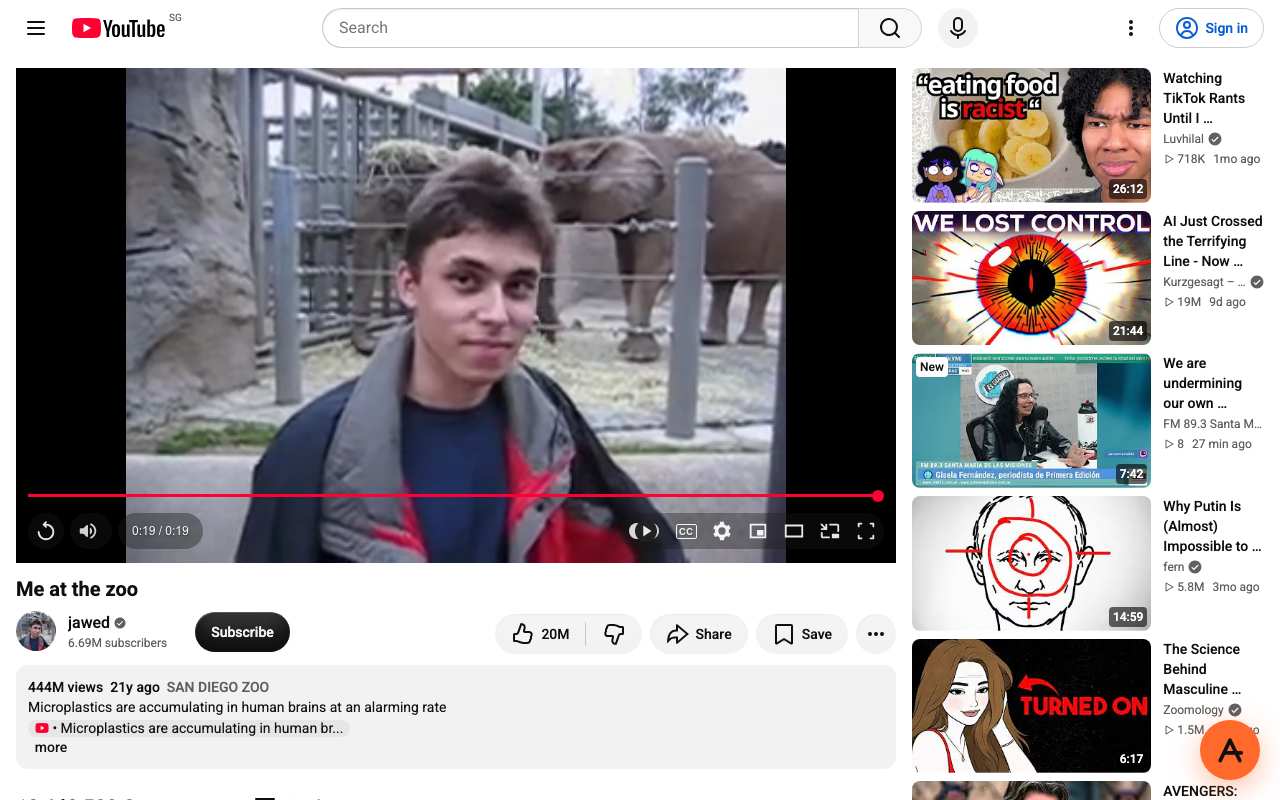
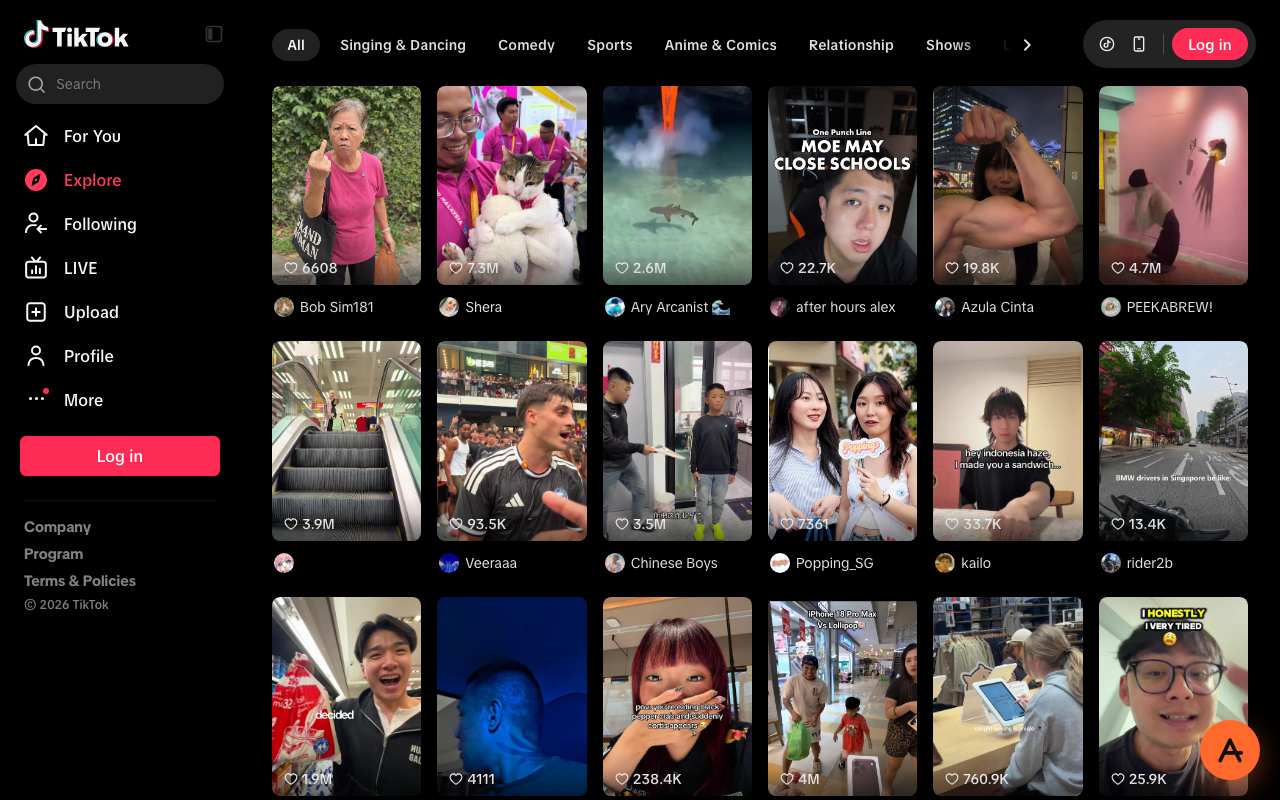
Our pickMost tasks opened in our same-day test (YouTube played, TikTok and ChatGPT loaded; Instagram profiles went to the login page), plus 6 of 6 Cloudflare-protected sites on 12 Oct. Runs in a tab, no extension. Three free regions; the free tier shows ads.
Best forA Chromebook where you can open websites but not install anything.
Try AnyProxy2
Proxyium
TikTok and ChatGPT loaded; YouTube did not play; Instagram failed. No cookies set on its homepage (5 Oct 2026). No extension needed.
Best forA backup tab if your first choice is filtered.
Compare in detail3
CroxyProxy
ChatGPT loaded; YouTube did not play; TikTok CAPTCHA; Instagram failed. Runs in a tab.
Best forChatGPT on a personal Chromebook if AnyProxy's nearest region is slow for you.
Compare in detail4
4everProxy
Showed one Instagram profile of two; failed the other three tasks. Its per-session switches to strip scripts or block cookies are unusual and work in any Chrome tab.
Best forSimple pages where you want scripts stripped.
Compare in detail5
TrickyBird
Not in our four-task test. On 12 Oct it opened 0 of 6 Cloudflare-protected sites. Free sessions end after 60 minutes. It offers an optional Chrome extension, which only helps on a Chromebook that allows extensions.
Best forPersonal Chromebooks where an extension is allowed and an hour is enough.
Compare in detail