1
AnyProxy
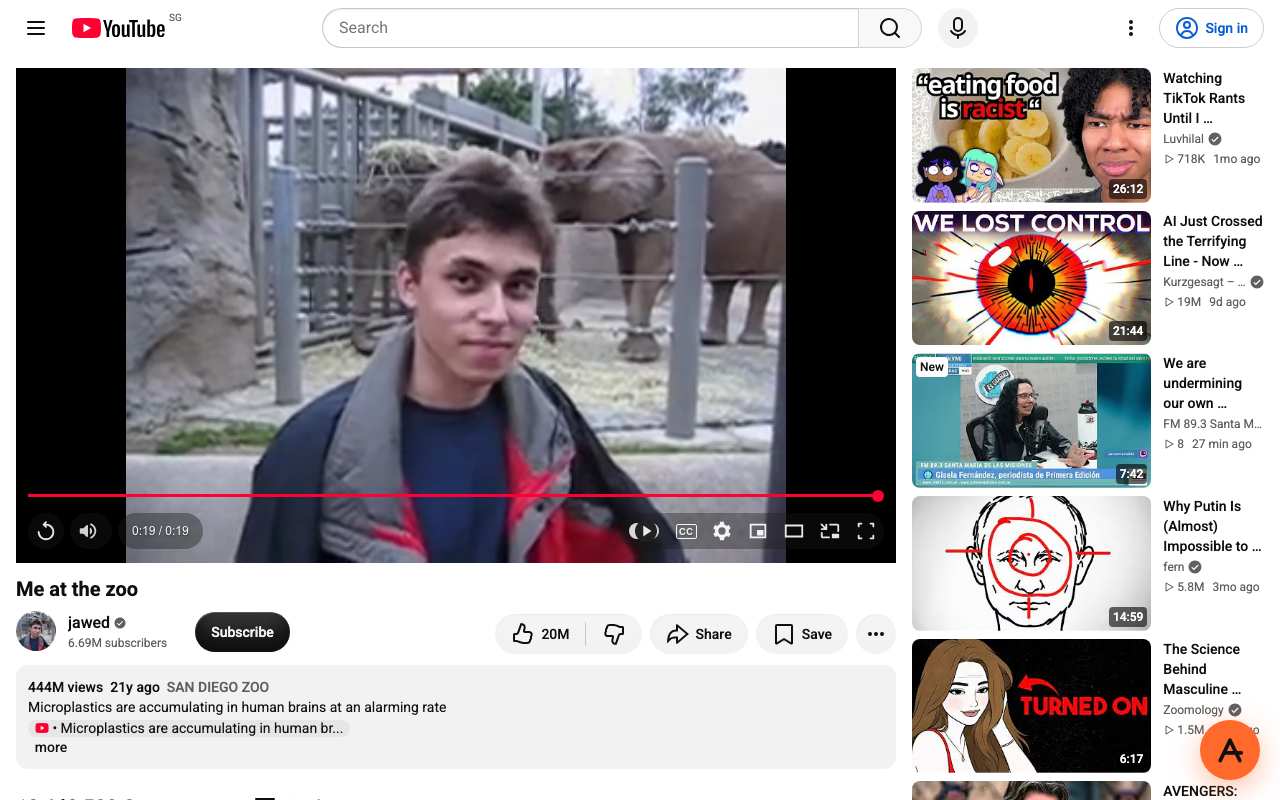
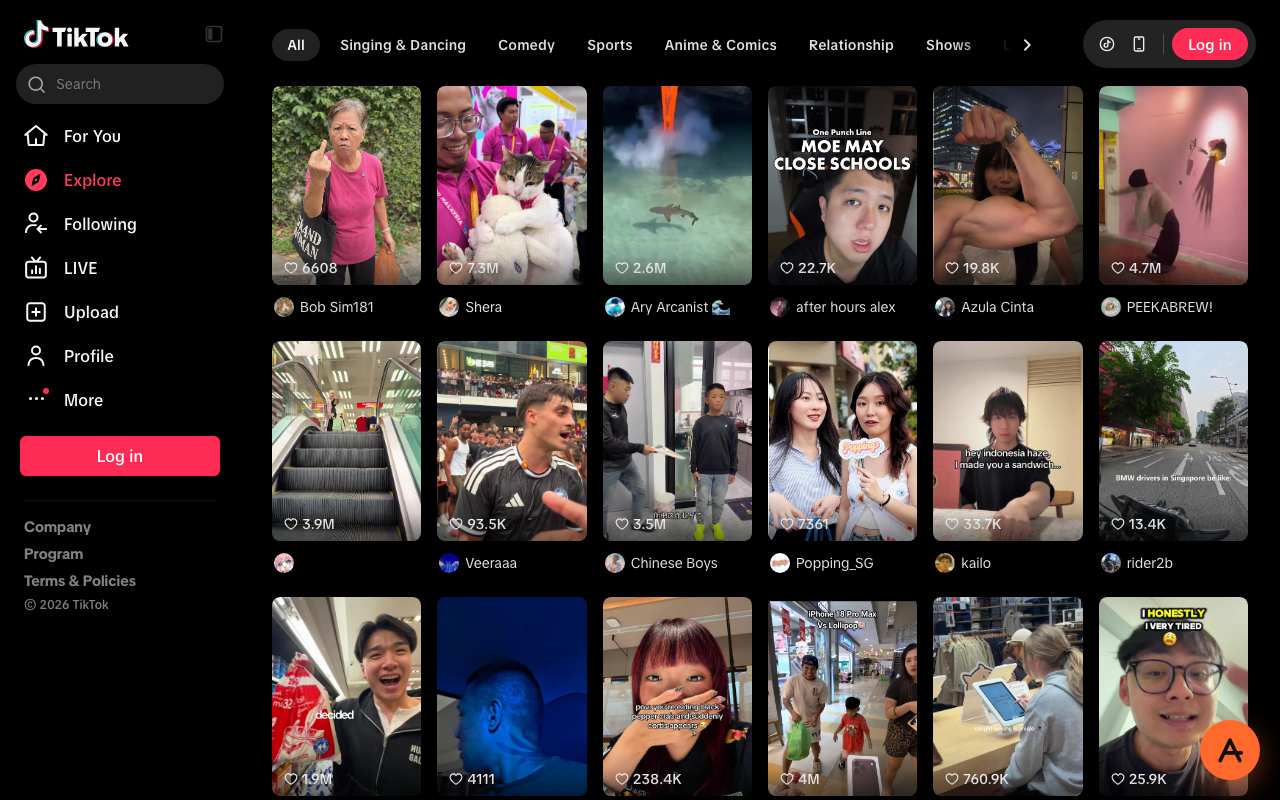
Our pickBest result in our 15 Oct four-task test (YouTube played, TikTok loaded, ChatGPT loaded through Virginia; Instagram profiles hit a login wall) and the only one of six proxies that opened all six Cloudflare-protected sites on 12 Oct. Nothing to install. Free tier shows ads; Pro removes them.
Best forLocked-down devices where you can open a website but cannot install anything.
Try AnyProxy2
Proxyium
Loaded TikTok and ChatGPT; YouTube loaded but did not play; Instagram returned "Request failed". 0 of 6 Cloudflare sites. Sets no cookies on its homepage and sends HSTS (measured 5 Oct 2026). Three servers, two labelled "Slow" by the site.
Best forA second option if the first proxy domain is filtered on your network.
Compare in detail3
CroxyProxy
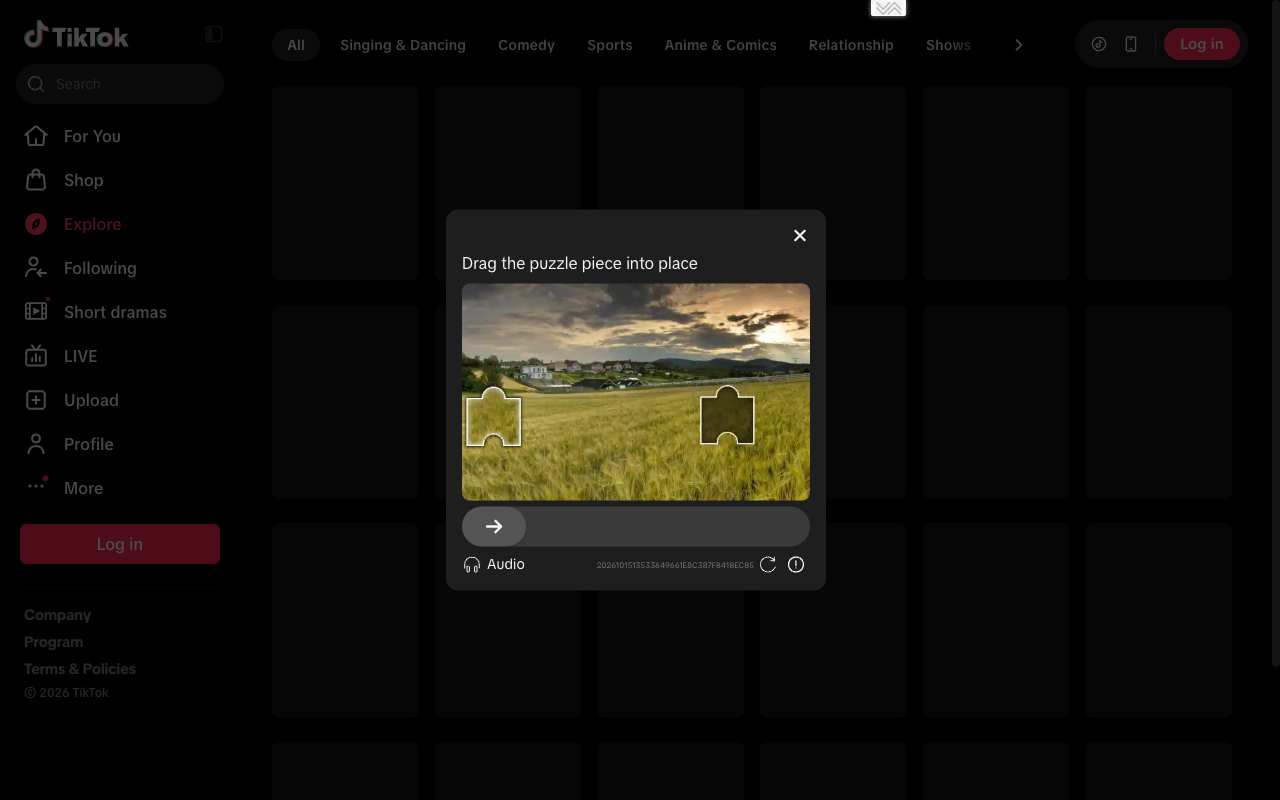
Loaded ChatGPT; YouTube loaded but did not play; TikTok gave a CAPTCHA; Instagram "Request failed". 0 of 6 Cloudflare sites. Its homepage's first HSTS header is max-age=0, which switches off HTTPS enforcement.
Best forReading ChatGPT or YouTube pages when the others are filtered.
Compare in detail4
4everProxy
Showed one public Instagram profile out of two, but failed YouTube, TikTok and ChatGPT and stuck on "Just a moment..." for all six Cloudflare sites. Its paid product is a VPN app, which a managed device usually will not let you install.
Best forChoosing a specific exit country for simple sites.
Compare in detail