Three tools show up whenever the question is “how do I access a blocked site” or “how do I hide my IP” — web proxy, VPN, and Tor. Each solves a different scope of problem, each has different setup cost, each has a different threat model. Picking the wrong tool means either paying too much (install + subscription for one blocked page) or getting too little coverage (proxy when the mobile app is what you need). This framework maps the three tools to specific situations.
The core distinction: scope
Every other property flows from scope.
Web proxy: one browser tab. You visit anyproxy.site, enter a site (AnyProxy opens its home page; you navigate from there), browse. Nothing installs. When you close the tab, the tool is gone.
VPN: your whole device. You install an app, grant permission, and every network request from every application (browser, mobile app, background sync, system update) routes through the VPN tunnel.
Tor: one browser tab, but through three relays. You install Tor Browser (or use a Tor-enabled browser), and traffic routes through a chain of three volunteer-run relays chosen from a global pool.
Once you have the scope right, the rest is mostly obvious.
Decision by situation
You need to open one blocked page right now on a managed Chromebook
A web proxy is the only one of the three that needs no install, so it is the only one that can work, and only if the administrator has not blocked anyproxy.site or limited the device to an allowlist. Check the school’s or employer’s acceptable-use policy first; see proxies on managed devices.
You need to watch Netflix from a different country
None of the three is a reliable answer. Netflix’s help centre documents a “You seem to be using a VPN or proxy” error (Netflix Help), and catalogues follow licensing by country. DRM itself is not what stops a web proxy: a Widevine-protected test clip played through AnyProxy on 15 October 2026. But Netflix needs an account, and we have not tested logged-in playback. Through AnyProxy Singapore, Netflix showed its Singapore sign-up page, so the region switch reaches the site; playback is a different question. Using a service from another country can also break its terms.
You need the WhatsApp mobile app to work in China
A web proxy cannot help: it only carries browser traffic, and the WhatsApp app makes its own connections. OONI tests from China between July and October 2026 found whatsapp.com loading in 8.9% of 700 tests, and Apple removed WhatsApp from its China App Store in April 2024. That leaves device-wide tools, which China restricts: a 2017 rule forbids unapproved VPN services (see proxy legality). Tor’s public relays are commonly blocked by national firewalls, which is why bridges exist. We have not tested any tool from inside China.
You need to research something sensitive without linking to your identity
Tor. The three-relay chain is designed for anonymity, not speed. A single-hop proxy or VPN leaves the operator able to connect you to your destination: AnyProxy, for example, is not a no-logs service and can record destination hosts, session identifiers and a hashed IP address. Tor’s design means no single relay knows both.
You need to unblock YouTube on a work laptop where installs are OK
Either web proxy or VPN, if your employer’s policy allows it. A proxy needs no setup and no subscription. A VPN adds whole-device coverage. For YouTube through AnyProxy on 15 October 2026, a regular video played to the end, but Shorts stayed black; see proxy vs VPN for YouTube.
You need to bypass geo-blocks on a service like ChatGPT
OpenAI limits countries itself, so the block is on its side, not your ISP’s. A proxy or VPN changes the country it sees, but chatgpt.com sits behind a Cloudflare check: through AnyProxy on 15 October 2026 it loaded in two of three regions and stalled on “Verifying…” in Frankfurt. A VPN covers the mobile app; a proxy does not. Using a service from an unsupported country may break its terms. See AI chat tools and region restrictions.
You need Instagram on a phone in Iran
Instagram is blocked in Iran (OONI: 3.1% of 14,886 tests loaded, July–October 2026). A web proxy in a mobile browser reaches instagram.com, but on 15 October 2026 Instagram sent logged-out profile views through AnyProxy to its login page in every region, so you need an account. The app needs a device-wide tool, and Iran banned unlicensed VPN use in February 2024. See proxy vs VPN for Instagram and proxy vs VPN in Iran.
Head-to-head on the properties that matter
| Property | Web proxy | VPN | Tor |
|---|---|---|---|
| Scope | 1 browser tab | Whole device | Tor Browser only |
| Install | None | Required | Tor Browser download |
| Cost | Free tier (AnyProxy Pro $4.99/month removes ads, adds 2 regions) | Usually a paid subscription | Free |
| Extra delay | One extra leg; set by distance to the region | One extra leg; set by distance to the server | Three relays; usually the slowest |
| Paid streaming (Netflix etc.) | Not reliable; logged-in playback untested by us | Not reliable; Netflix documents a VPN/proxy error | Not practical |
| Managed device with installs locked | Only option, if its site is not blocked | No | No |
| Anonymity from operator | No | No | Designed for it |
| What the destination sees | Proxy’s IP; WebRTC can reveal yours | VPN’s IP | Exit relay’s IP; fingerprint-hardened browser |
| Can the network block it? | Yes, by the proxy’s names or addresses | Yes, by server or protocol | Yes, public relays; bridges help |
| Mobile apps | No | Yes | Limited |
How much delay a web proxy adds depends on distance. From India on 15 October 2026, Wikipedia opened in a median 1.15 s directly, 1.41 s through AnyProxy Singapore and 3.65 s through Virginia (details). We have not measured VPNs or Tor the same way.
The threat-model question
Beyond scope, the harder question is: who are you hiding from?
Hiding page contents from your local network (Wi-Fi, office, hotel): all three keep the pages inside encryption, unless a managed device has the organisation’s certificate installed for TLS inspection. None hides that you are using the tool: a web proxy’s server name, for example, is readable in the connection (AnyProxy’s regional servers did not use Encrypted Client Hello when we checked on 15 October 2026).
Hiding from your ISP or national surveillance: the ISP sees that you connected to a proxy, a VPN or Tor. Where using such a tool is itself a problem, that matters more than which one you pick; see proxy legality. Tor bridges and obfuscated transports are designed to make the connection harder to recognise.
Hiding from the destination site itself: all three substitute an IP address. Cookies, browser fingerprints and account logins still identify you whatever the tool. With a web proxy, WebRTC can also reveal your real IP: our WebRTC leak test through AnyProxy showed the test machine’s own addresses.
Hiding from the tool provider itself: Tor is the only one of the three designed for this. A web proxy operator or VPN provider can see your traffic; what it keeps depends on its policy. AnyProxy’s privacy policy says it is not a no-logs service.
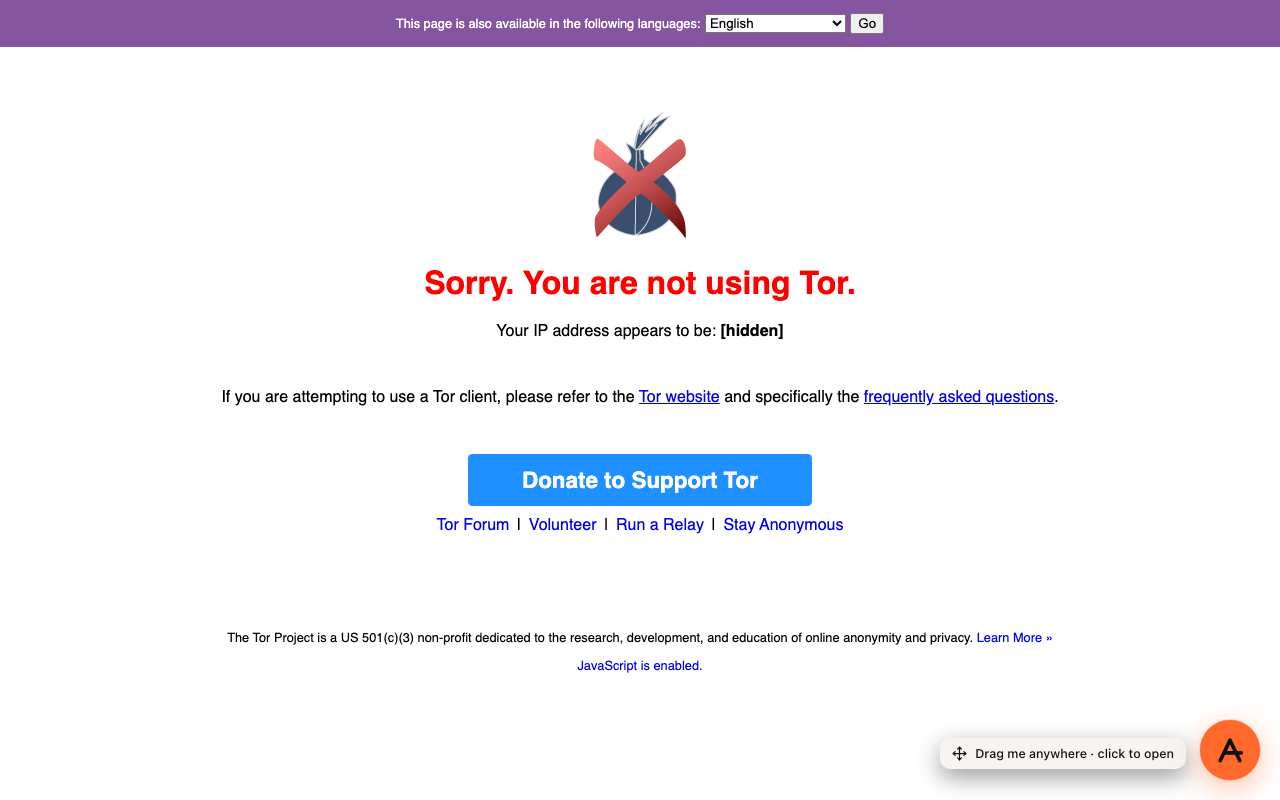
Caption: The Tor Project’s checker through AnyProxy Virginia, 15 Oct 2026: a web proxy is a single hop, not Tor. IP hidden.
When each tool is overkill
Web proxy is overkill when: the site is not actually blocked. Test the URL directly first — you may not need a proxy at all.
VPN is overkill when: you need one page in one browser tab, and installing an app and a subscription is more than the job needs.
Tor is overkill when: you only need to reach one page past a local filter and anonymity from the operator does not matter; three relays make browsing slower than a single hop.
When each tool is insufficient
Web proxy is insufficient when: the mobile app is what you need (WhatsApp, Instagram, TikTok apps), you need calls, the network blocks the proxy’s own site, or the destination refuses proxy addresses (Reddit refused every AnyProxy region on 15 October 2026).
VPN is insufficient when: installs are blocked on the device, the VPN protocol is fingerprinted and dropped by the local DPI, or the anonymity requirement is strong enough that any single-hop tool is a correlation risk.
Tor is insufficient when: speed matters (video, gaming, real-time apps), the destination challenges or blocks Tor exit relays (their addresses are public, so many sites recognise them), or you need app coverage on a phone.
The 2026 default recommendation
For most users encountering a “blocked site” for the first time, the honest recommendation order is:
- Try the site directly first — you may not have a real block.
- Try public DNS (1.1.1.1) on your own device. It fixes blocks that work only at the DNS level.
- Try a web proxy (AnyProxy or similar). It gets past blocks on the destination’s name or address, as long as the proxy’s own site is reachable and the destination accepts proxy visitors. Lightest tool.
- Try a VPN if the mobile app is what you need or whole-device coverage matters, where VPNs are allowed.
- Try Tor if the threat model requires anonymity from single-operator correlation.
If your need is one page in a browser, a web proxy may be all you need. If it is an app, calls or the whole device, it is not. Match the tool to the scope, then check the threat model and the local rules.
For specific “proxy vs VPN for X” narrow questions, the /vs/ hub has decision-matrix pages for common scenarios (streaming, managed networks, Iran, ChatGPT, work networks).